Google Play Screenshot Studio

Google Play screenshots,ready to publish.

Create a coherent Android listing across phone and tablet formats, then export a Play Console-ready package in one pass.

Built for Google Play surfaces

Android phone7-inch tablet10-inch tabletPlay Console ZIP

The goal

Turn Android features into a clear install story.

Play Store visitors scan fast. Mockship helps you prioritize the strongest benefits, keep phone and tablet assets consistent, and publish within Google Play's image requirements.

No duplicate artboards. No manual aspect-ratio checks. Just one flexible campaign for every Android listing surface.

Built for Android growth

One campaign. Every Play Store surface.

Everything you need to publish high-converting listings on the Google Play Store.

Phone & Tablet Artboards

Easily generate the required minimum of 4 phone screenshots plus 7" and 10" tablet assets to unlock full Google Play indexing.

Clean Modern Android Frames

Showcase your UI in Google Pixel 9 Pro and minimal Android device frames with customizable chassis colors and shadow depths.

Feature Callouts & Benefit Badges

Highlight core features with high-legibility typographic hierarchy designed for mobile shoppers browsing the Play Store.

Policy-Safe Layouts

Built-in safe margins prevent crucial text from being cut off by UI elements or store overlays.

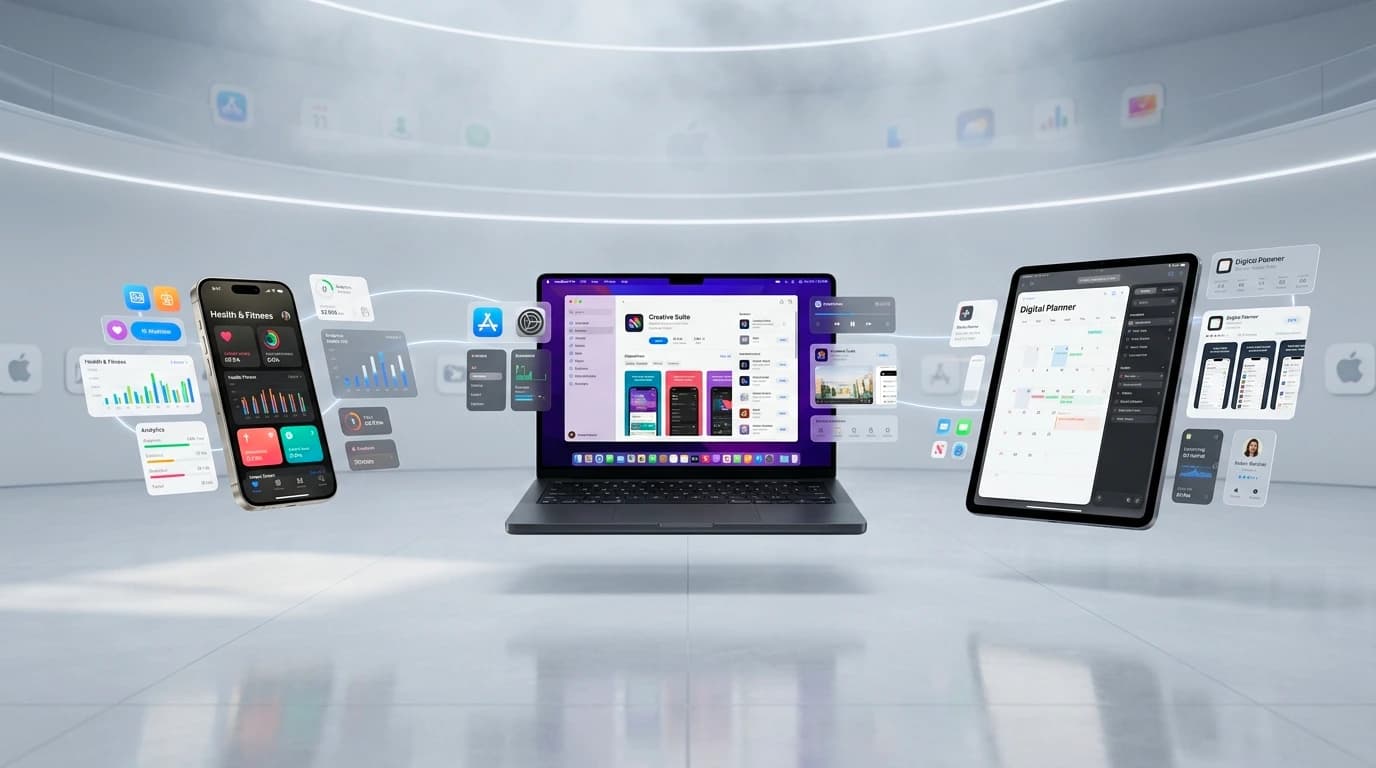
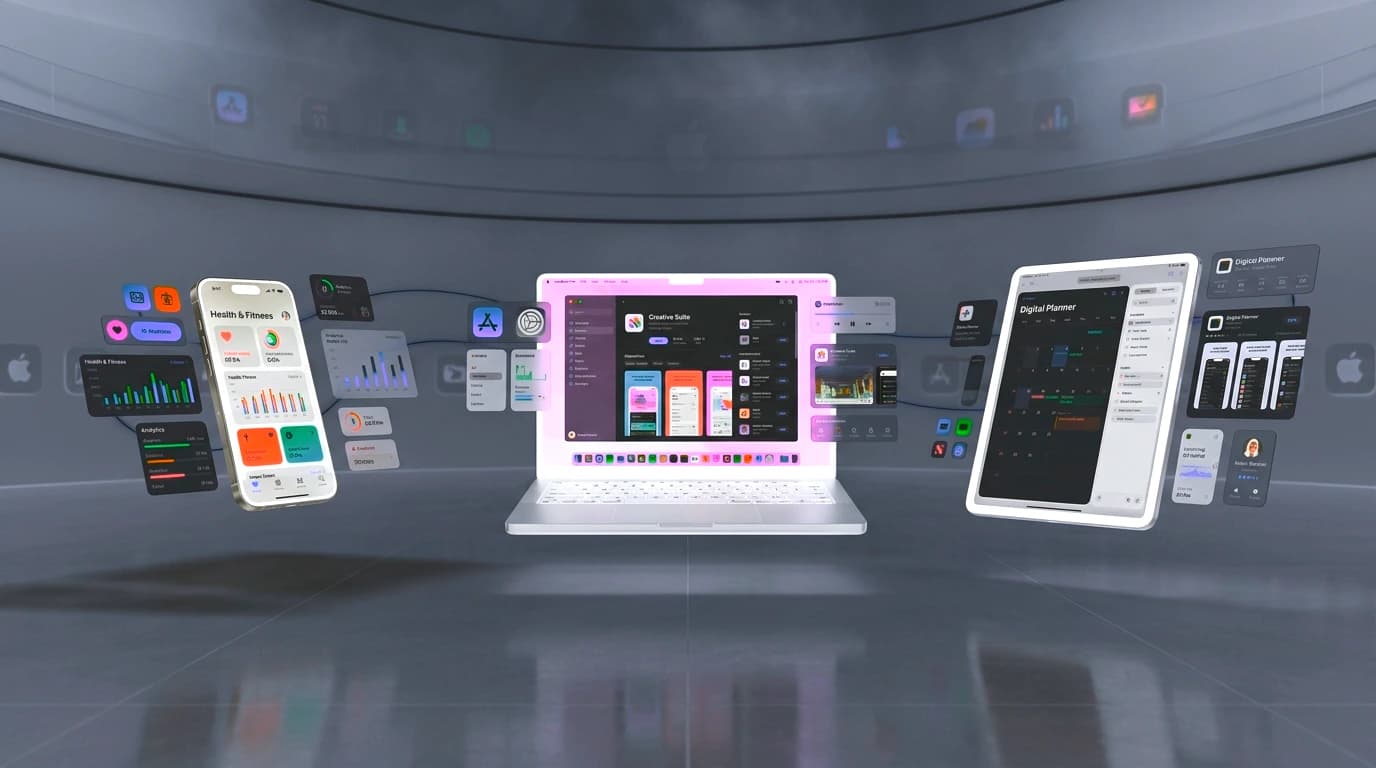
Mockship Showcase Studio displaying generated Google Play and social assets
Android campaign overviewPhone + tablet ready

A Play Console workflow

How to create Google Play screenshot sets

Create an entire Android store package in under 5 minutes.

01

Pick an Android store preset

Choose your target format (Phone, 7-inch tablet, or 10-inch tablet).

02

Add your Android app screens

Upload screenshots from Android Studio, emulator captures, or device recordings.

03

Customize headlines & colors

Match your Material You or brand palette with customizable background themes and font pairings.

04

Export Play Console-ready ZIP

Download verified image files matching exact Google Play dimension specifications.

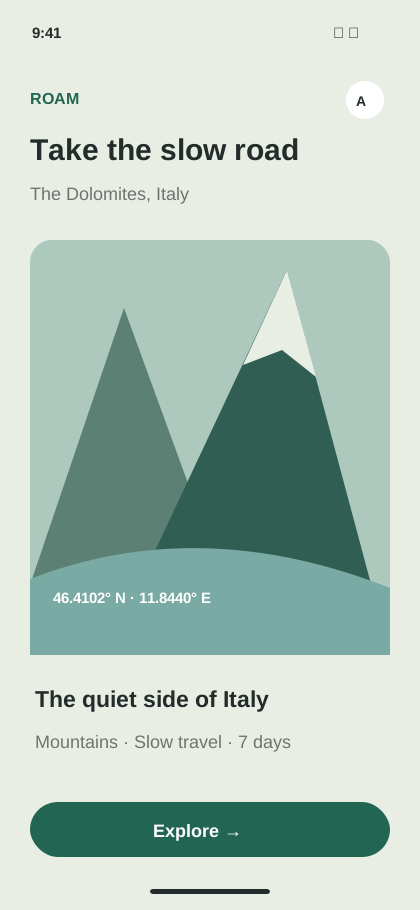
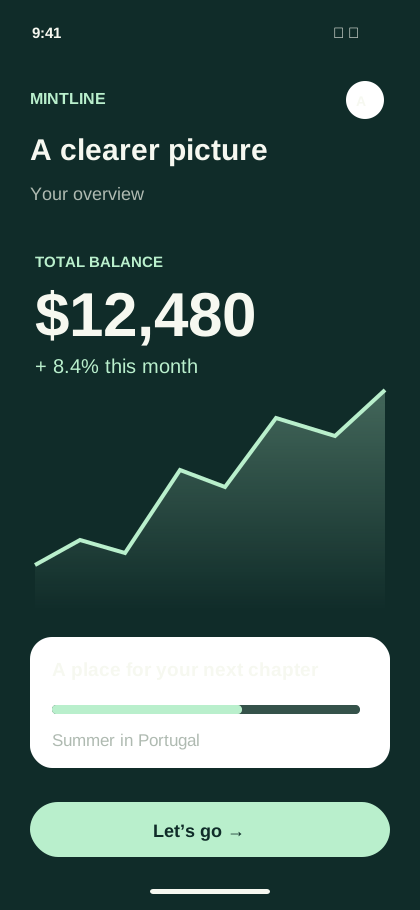
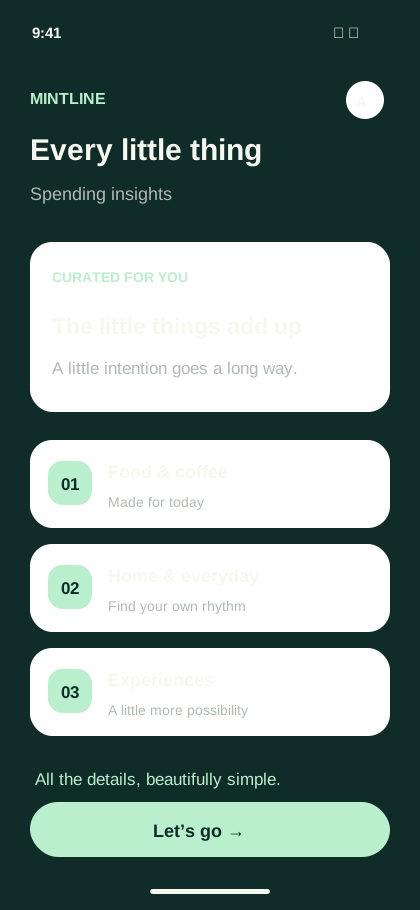
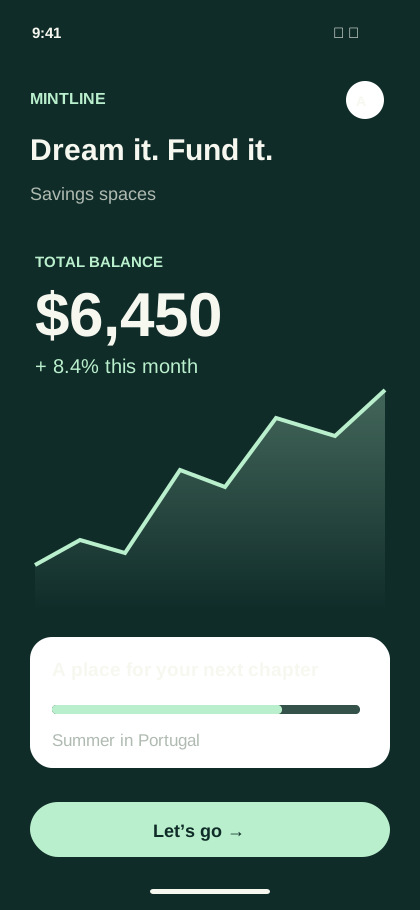
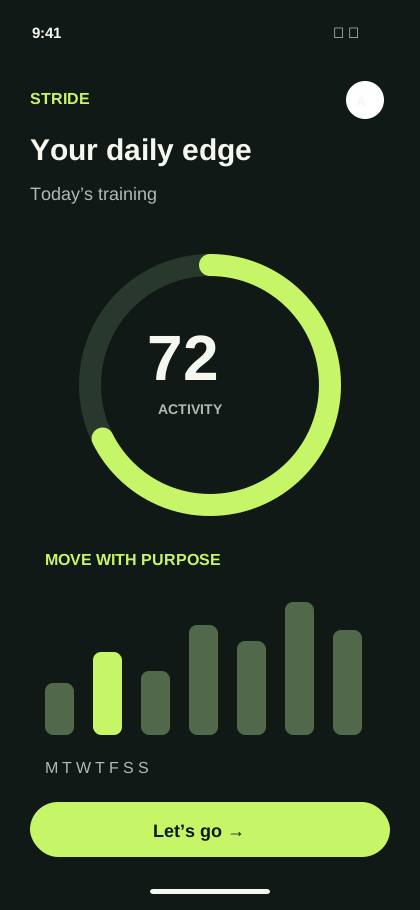
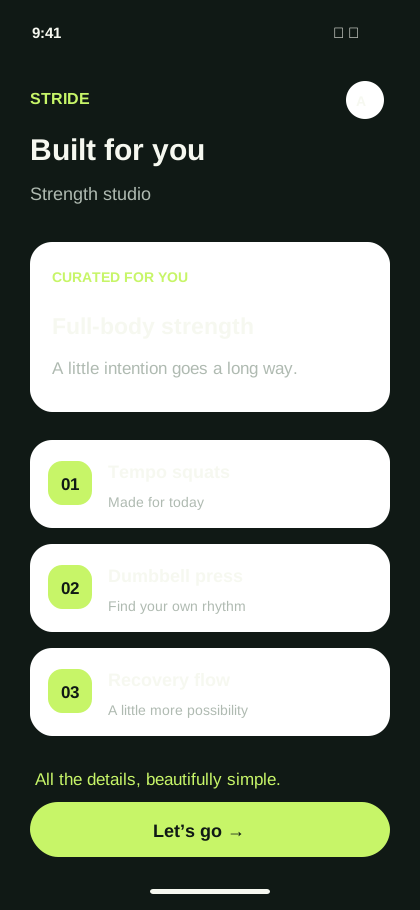
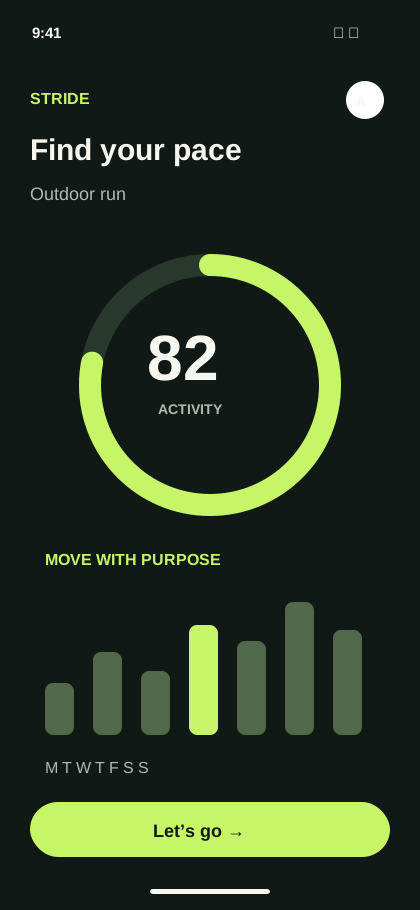
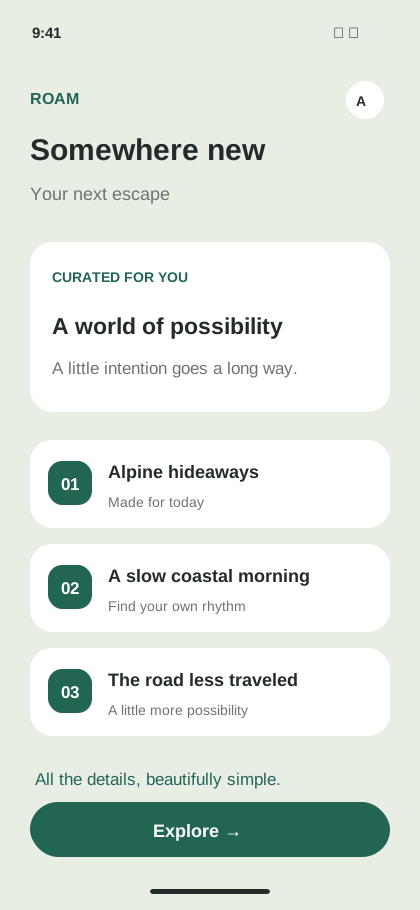
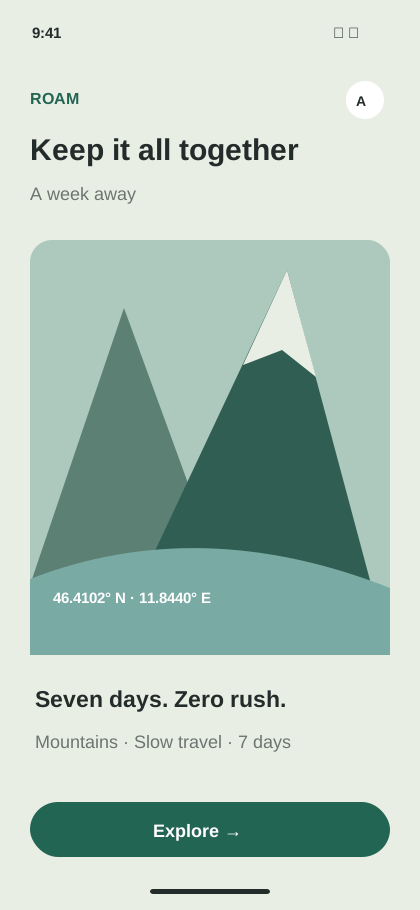
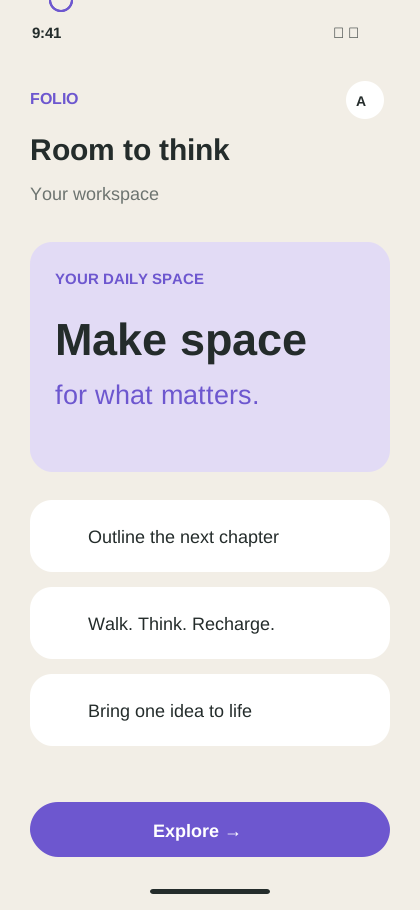
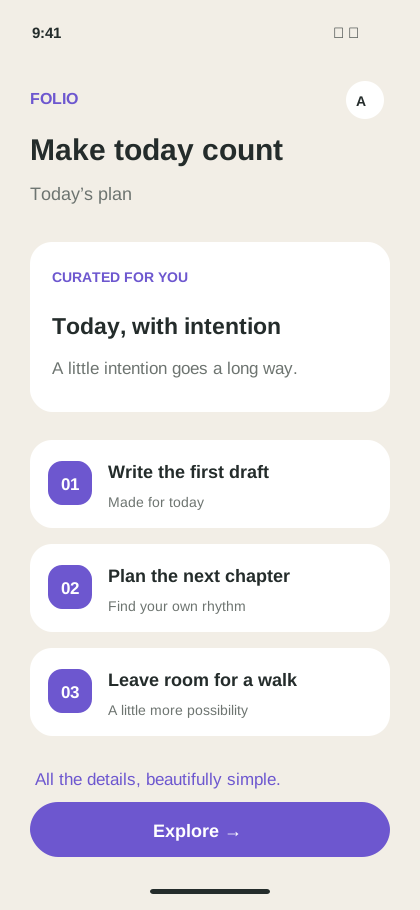
1080 × 2400 portrait created in Mockship

Phone campaign

1080 × 2400 portrait

Built from your real screens and tuned for the channel where it will ship.

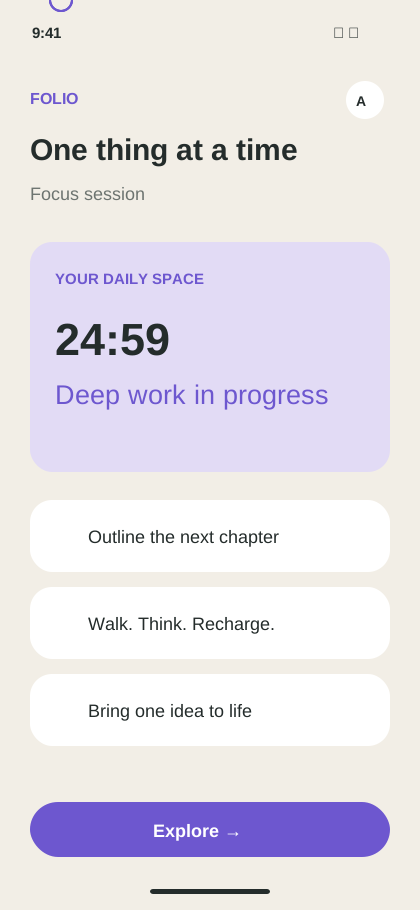
Store-ready composition

Lead with the benefit, then let the product prove it.

Use bold, readable hierarchy and modern Android device framing to make every listing card work at a glance.

  • Android Phone (9:16 & 16:9)
  • 7-inch & 10-inch Tablet Formats
  • Google Play Policy Verified
Open Mockup Editor

Google Play Console ready

Every export respects the right ratio and range.

Verified specifications for Google Play Console submission.

Minimum Dimension320 pixels on shortest sidePlay Store Requirement
Maximum Dimension3840 pixels on longest sidePlay Store Requirement
Aspect Ratio16:9 or 9:16 (Standard: 1080 × 1920 or 1080 × 2400 px)Recommended
Quantity GuidelinesMinimum 4 screenshots for phones, up to 8 per device typeFor store ranking
Tablet Requirements7-inch and 10-inch tablet screenshots required for tablet feature placementCrucial for ASO
Export Format24-bit PNG or JPEG (Lossless sRGB)Console Ready

Common questions

Before you start

What are the required screenshot sizes for Google Play?

Google Play requires screenshots with sides between 320px and 3840px with a 16:9 or 9:16 aspect ratio. Common production resolutions include 1080 × 1920 px and 1080 × 2400 px. Mockship defaults to high-res 1080 × 2400 px for crisp presentation.

Do I need tablet screenshots for Google Play?

Yes! Google Play strongly rewards apps that include at least 4 screenshots each for 7-inch and 10-inch tablets by giving them higher search ranking and eligibility for tablet-optimized store collections.

Can I use Mockship screenshots on both Google Play and the App Store?

Yes. You can design a cohesive campaign in Mockship and export distinct optimized packages tailored for both Apple App Store Connect and Google Play Console from the same workspace.

Ready for Android growth

Build a Google Play story worth installing.

Create Google Play Screenshots