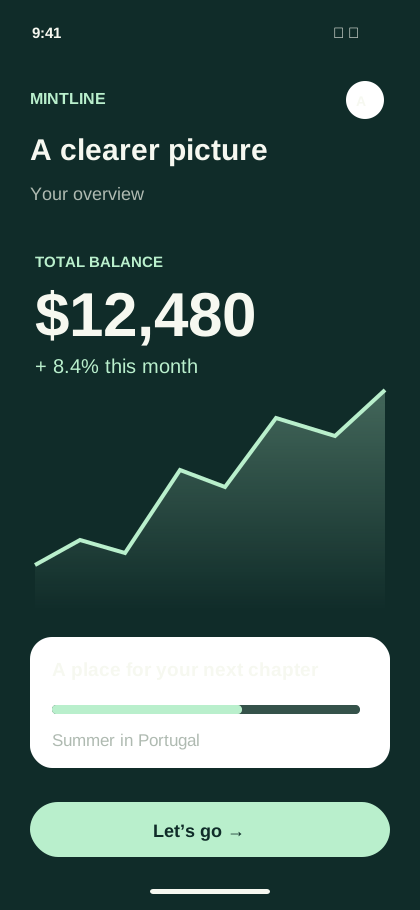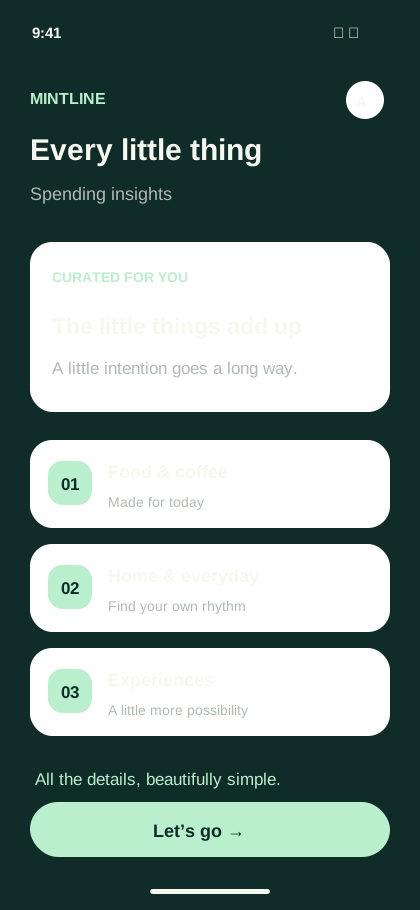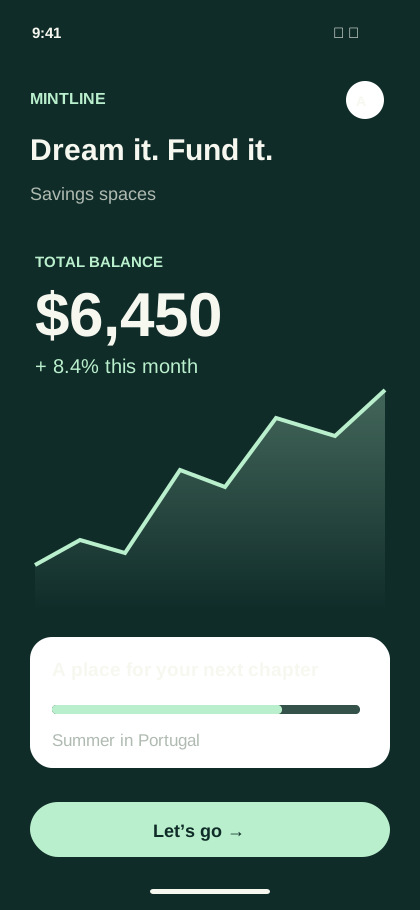
 Promo videoVideo studio
01Launch films
Put your strongest moment first.
Introduce the problem, show the app solving it, and close with one clear next step. Build the sequence with scenes, recordings, text, and music in Video.
Make a promo video
app promo video maker
Turn app screens and recordings into a launch film. Build the matching screenshot campaign in Showcase.
The possibilities
Make a film for the launch, a short edit for the feed, and a screenshot story for the store. Give every format a clear job.
Use the left and right arrow keys to explore, or Home and End to jump to the first and last example.
Promo videoVideo studio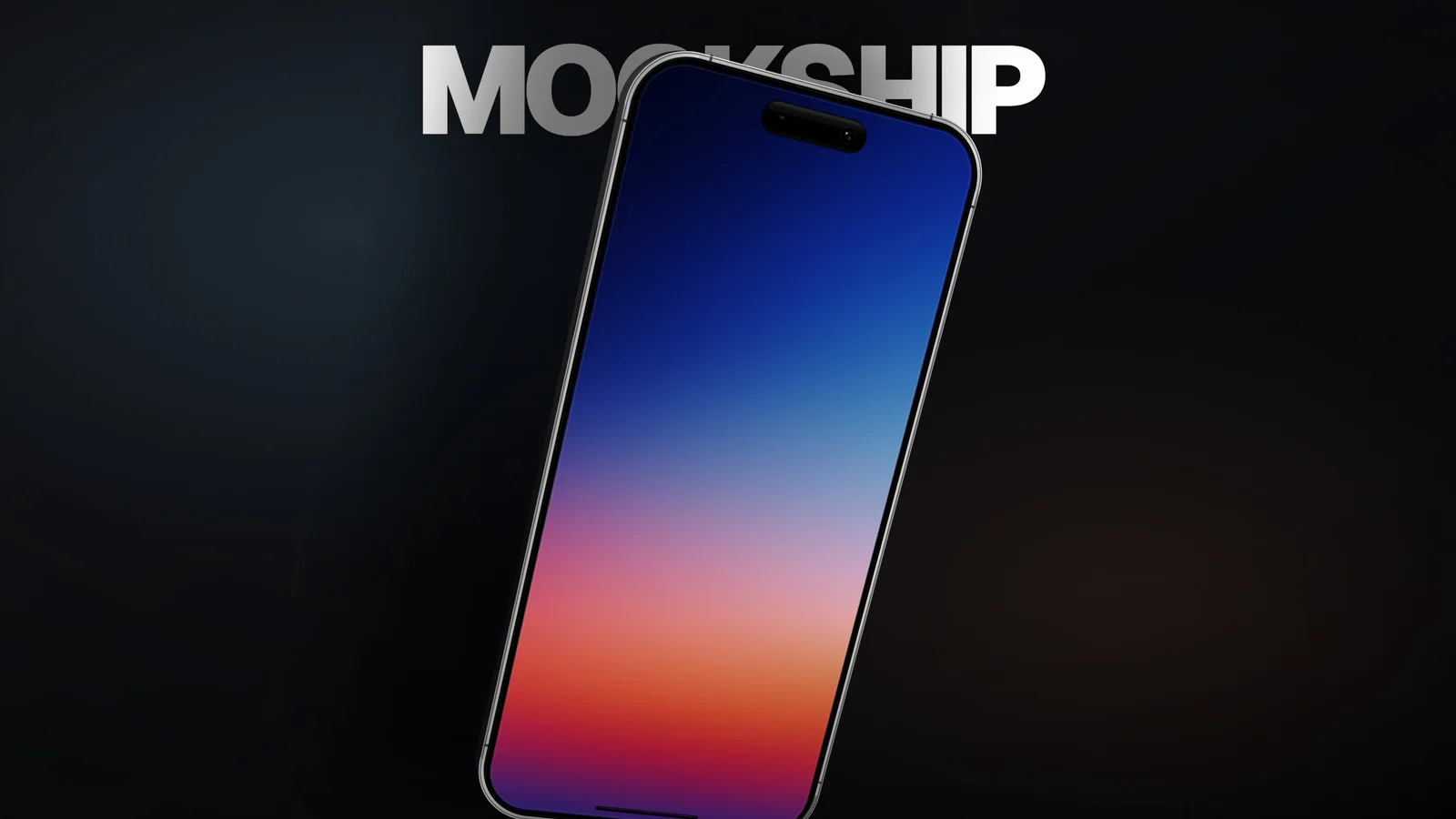 Product videoVideo studio
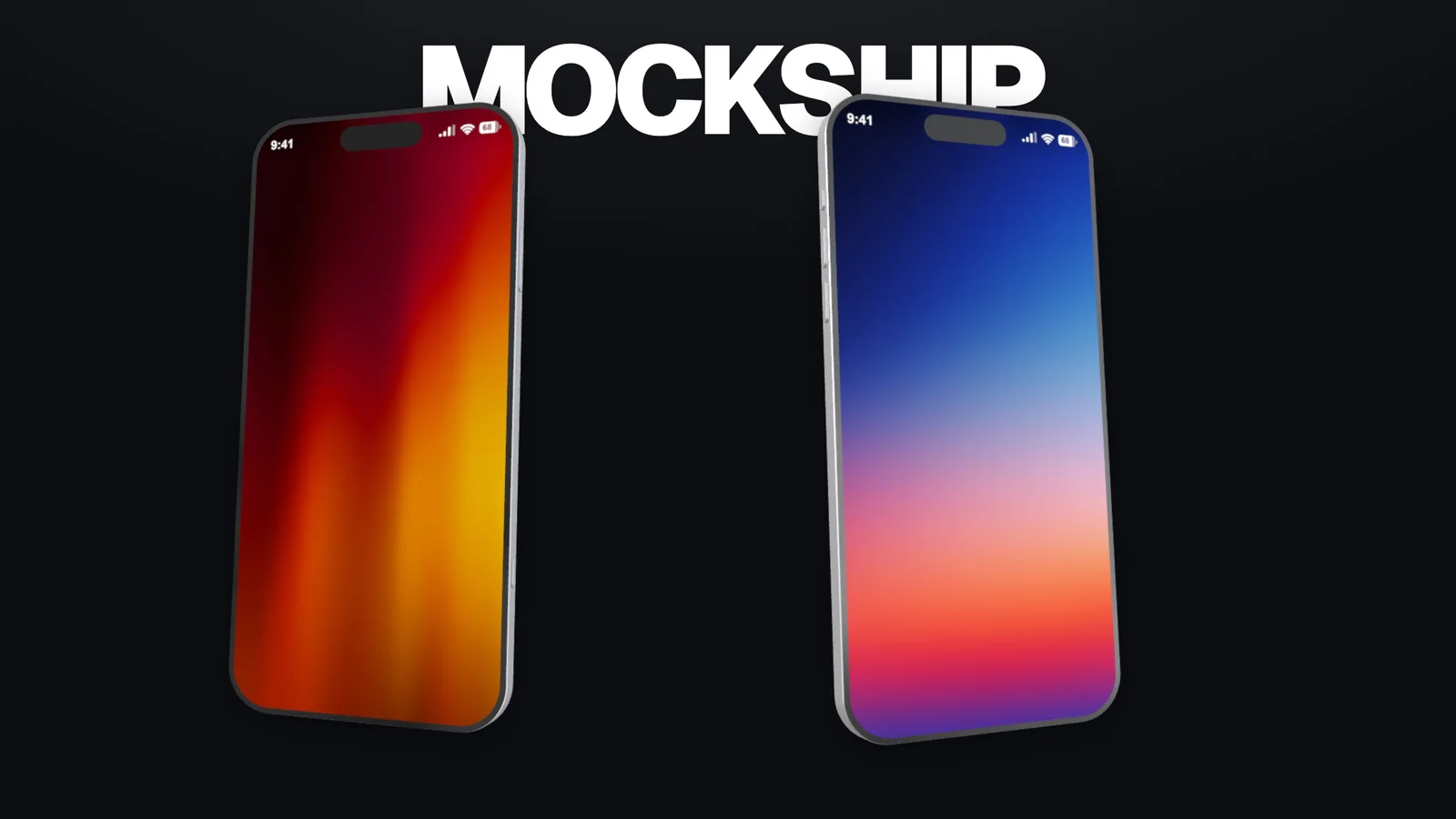 Short-form videoVideo studio
Launch films, example 1 of 4.
Choose your workspace
Video for your product film. Showcase for your store screenshots. Two formats, one product story.
Build a promo around your product. Arrange scenes, combine screen recordings and graphics, and give the edit a beginning, middle, and finish.
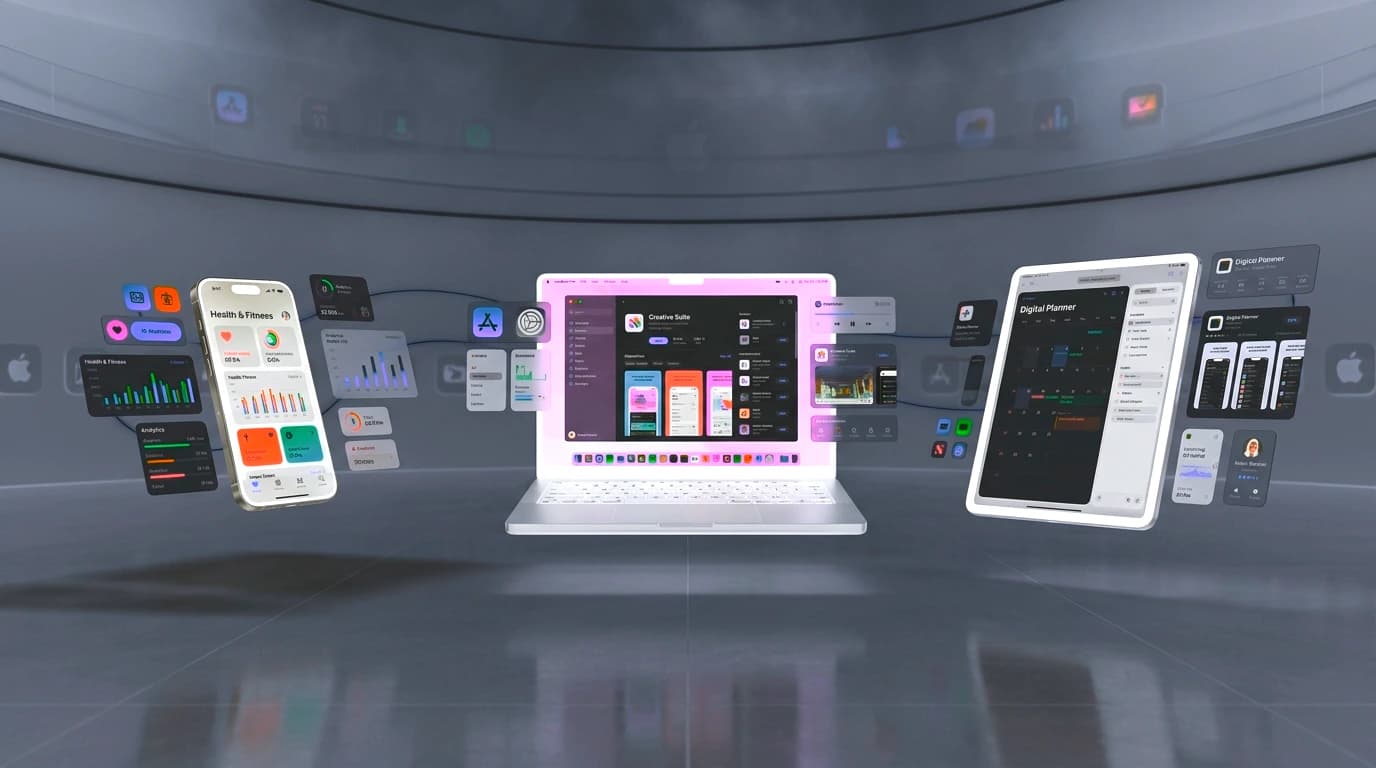
Create a connected screenshot campaign for your store listing. Bring screens, device frames, headlines, and brand choices into one workspace.
An opening, a demonstration, a reason to care. Gather the moments that make your product film feel connected.
The creative process
How to make an app promo video: decide what matters, show the product, and give the edit a clear finish.
A closer lookWrite a short sequence: the need, the product moment, and the next step. Gather screenshots, screen recordings, and the brand assets that support it.
Lead with the useful moment instead of a long logo introduction.
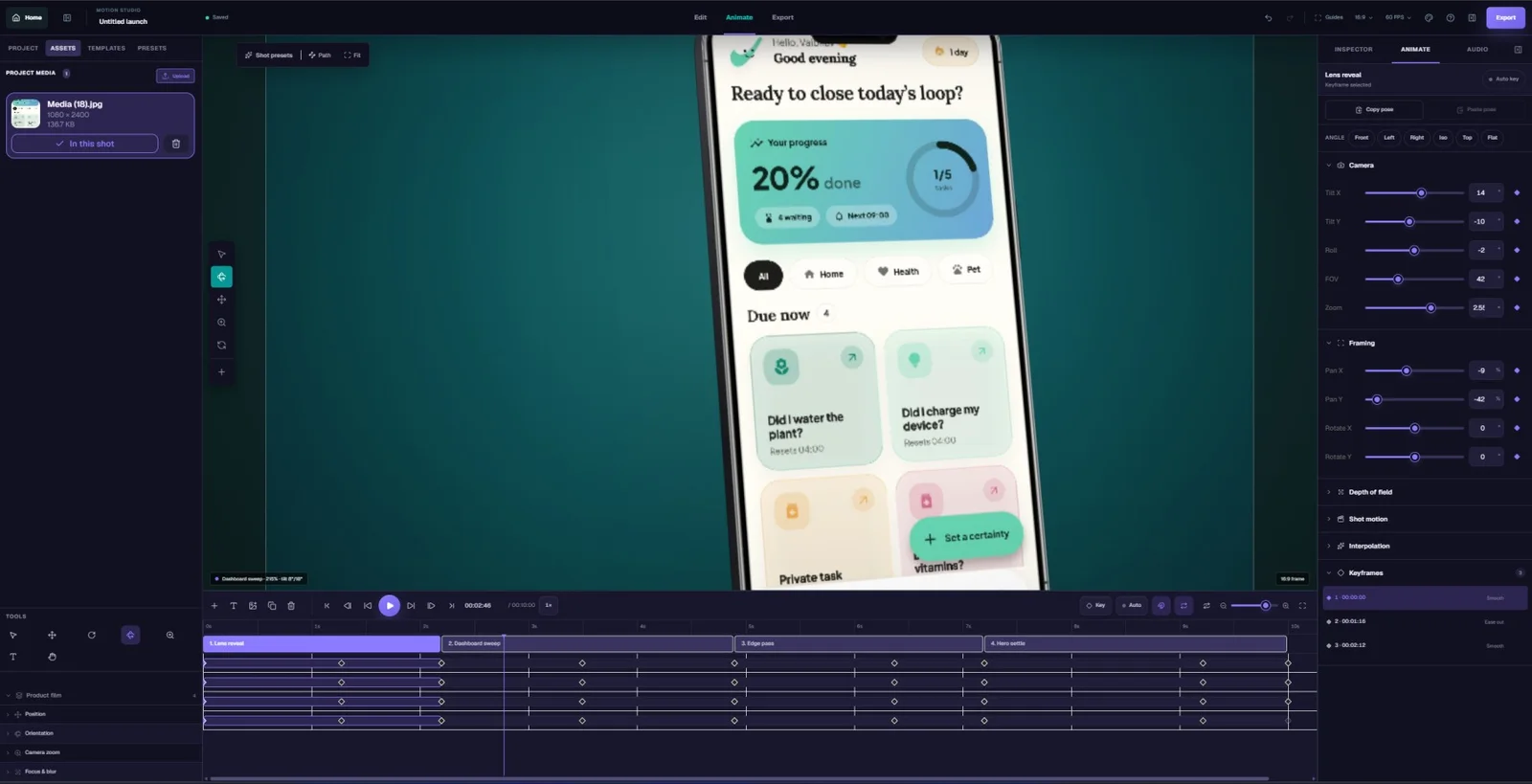
Arrange your media into scenes. Add timed text, transitions, and audio, then preview how the visual story and music work together.
Use Motion separately when you want to create an animated 3D device shot for your campaign.
Export your promo from Video. Open Showcase to create a screenshot set with the same message, palette, and product screens.
A film and a listing have different pacing. Keep the visual identity connected while adapting the story to each format.
Build an app promo around real product value. Make every scene understandable, every caption readable, and the ending useful.
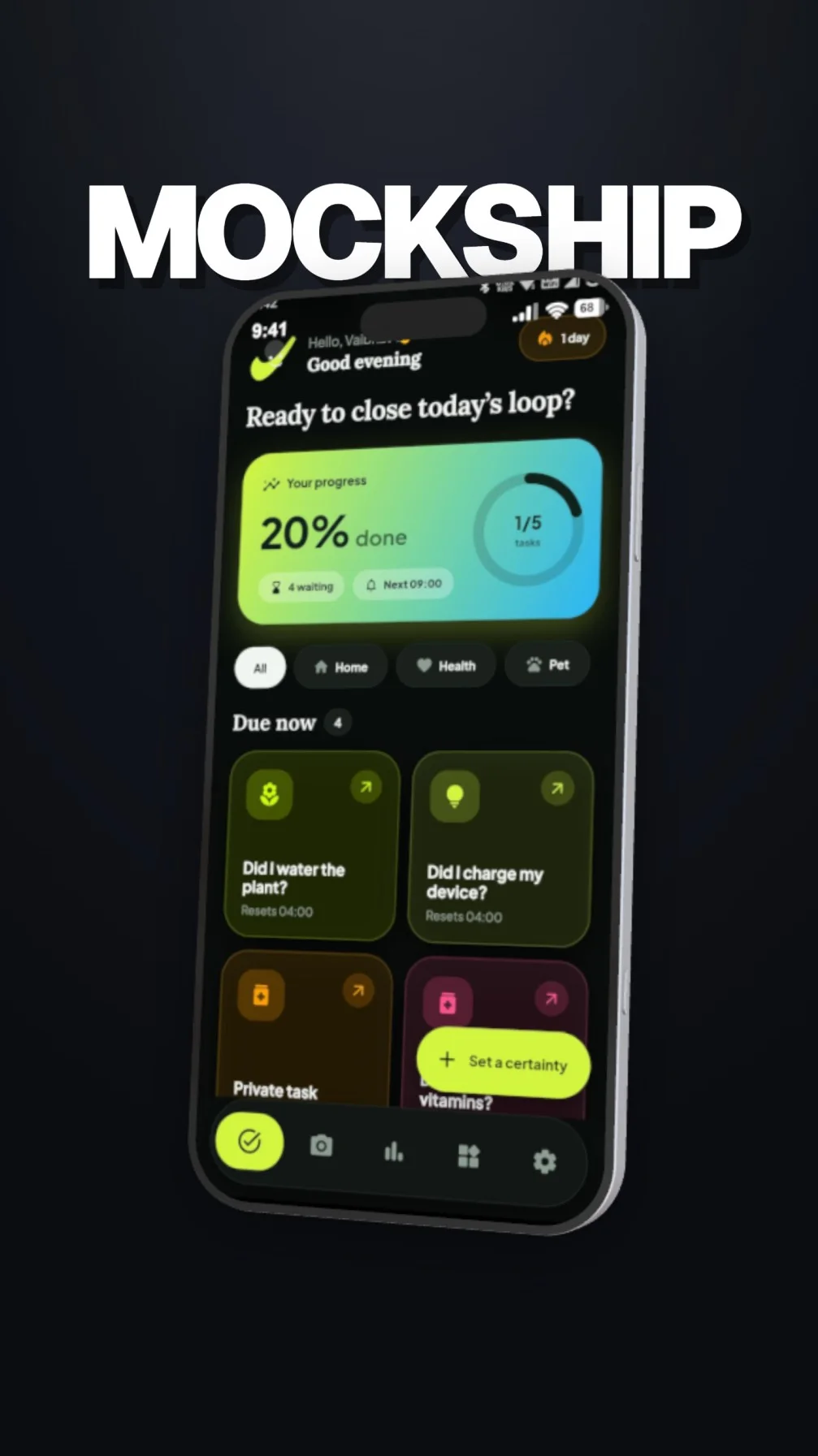
Decide what someone should understand after watching. Choose the screens and interactions that demonstrate that promise, then cut the material that distracts from it.
Arrange an opening, a demonstration, and a closing frame. Use transitions to connect ideas, and keep text visible long enough to read.
Bring in music and sound that suit the product. Check that the story also makes sense muted, especially for videos people may see in a feed.
Video is the workspace for the promo. Showcase is the workspace for store screenshots. Carry the same product message between them while composing for each destination.
Look through the visual direction for your next promo. Keep the strongest scenes and build the edit around them.
Use the arrow buttons, swipe a card, or use Left and Right on this gallery. Select the front image to expand it.
Give the opening its own space.
The first impression, image 1 of 6.
For your next release
Explore the creative tools with a free account. Choose a plan when your next launch needs more room to create and export.
Frequently asked questions
Practical answers for your next product promo.
Open VideoAn app promo video maker helps you turn screenshots, screen recordings, text, and sound into a product film. In Mockship, use the Video studio to build the complete edit, then use Showcase for a coordinated store screenshot campaign.
Use Video to assemble the broader promo with scenes, timed media, text, transitions, and audio. Use Motion when the focus is an animated 3D device scene with camera movement. Both can be part of your launch workflow.
Yes. Gather clear recordings of the interactions you want to show and add them to the Video workspace. Keep each source clip focused on one action so the finished edit is easy to follow.
Open Showcase to build multi-panel screenshot campaigns for the App Store and Google Play. Use the same screens, palette, and message as your promo, then adapt the layout and copy for a still-image listing.
A general marketing promo and a store preview may have different requirements. Choose the intended destination before editing, check its current upload rules, and review your exported file before submitting it.
Keep the story going