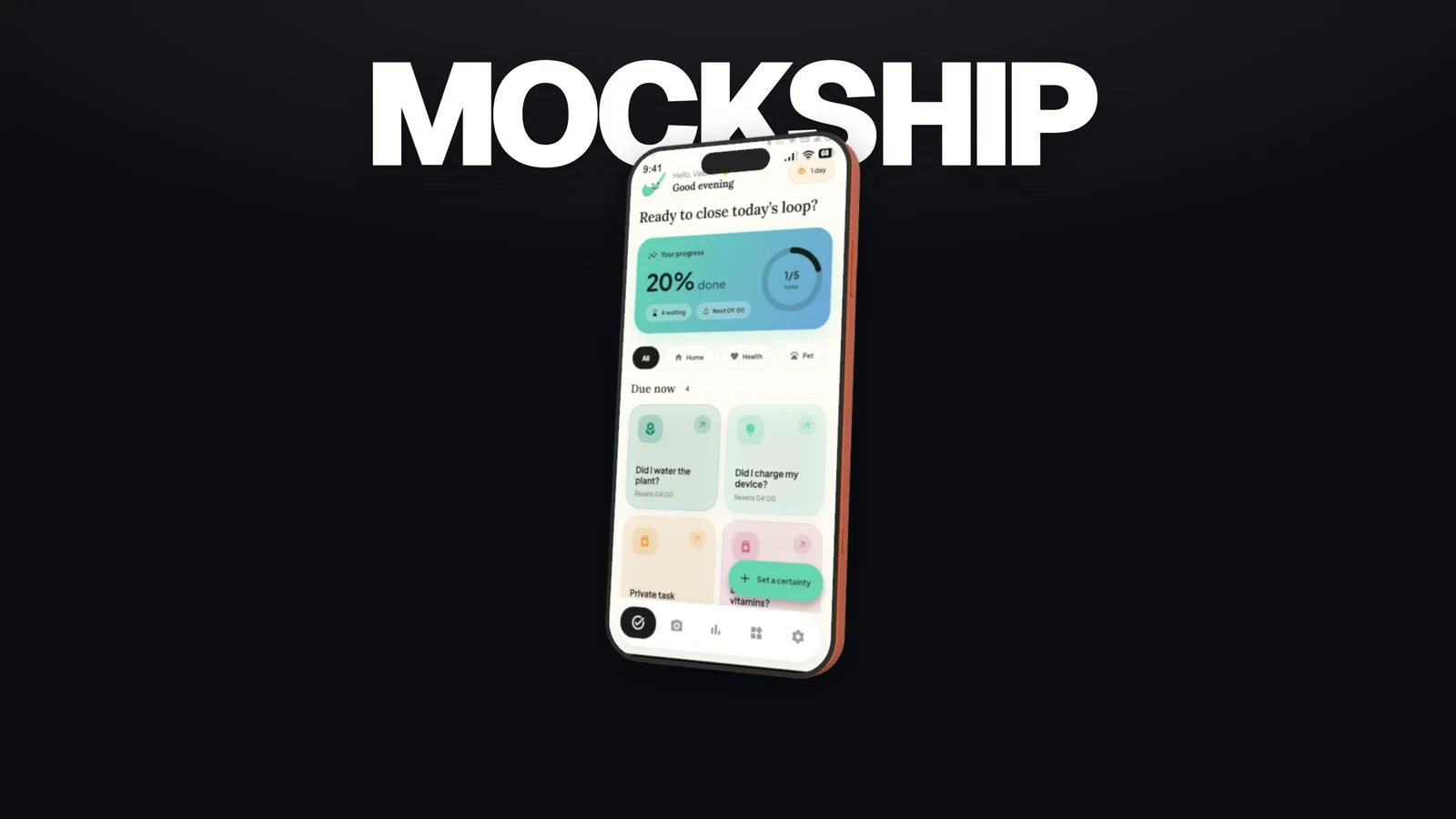
 Video + imageMotion studio
01App launches
Give your launch a leading role.
Turn screenshots and screen recordings into an animated device story. Build camera moves, add music, and export a film or a still from Motion.
Make a launch video
3D device mockup generator
Your screens. Beautifully in focus. Create product videos and images, right in your browser.
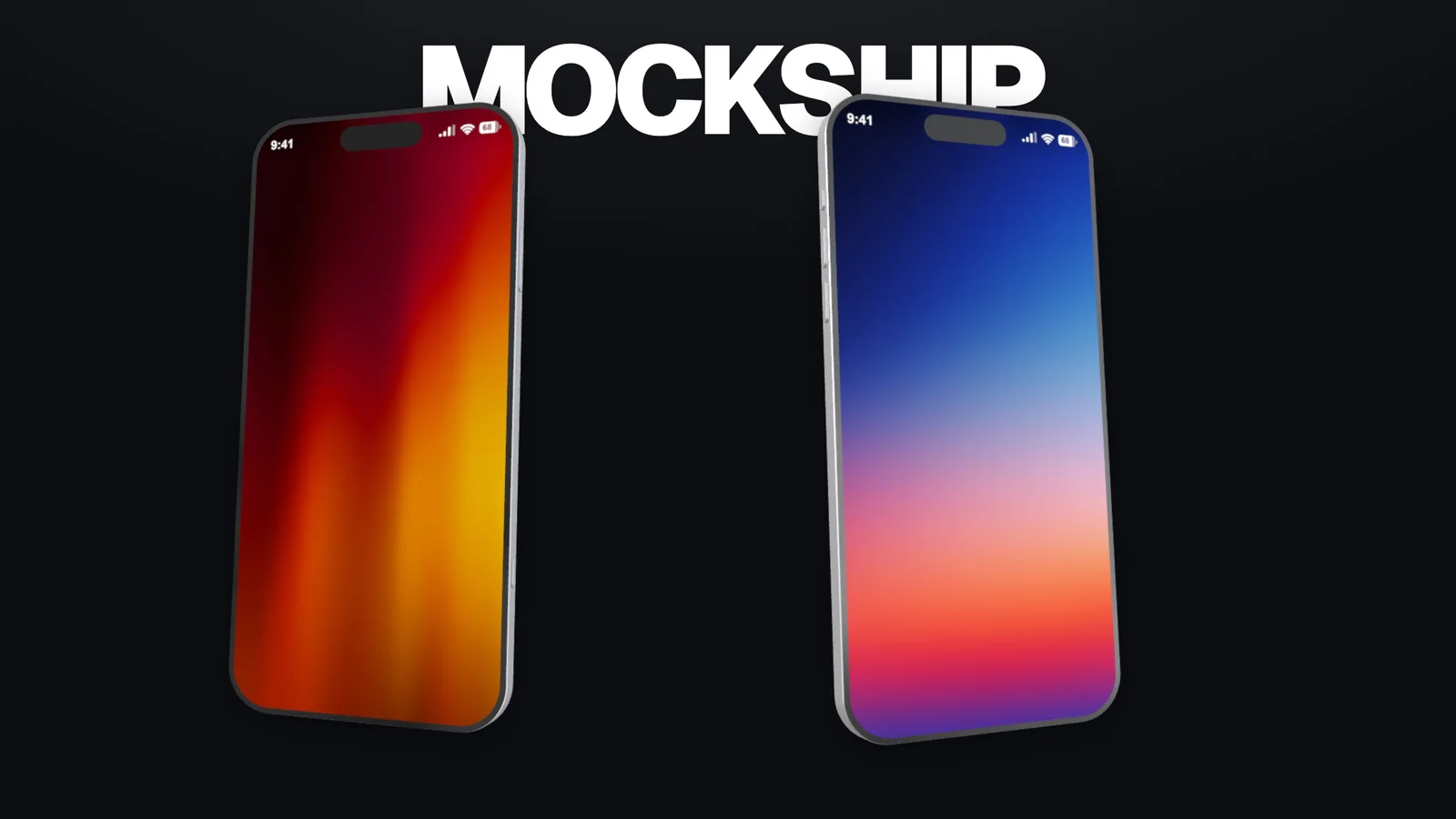
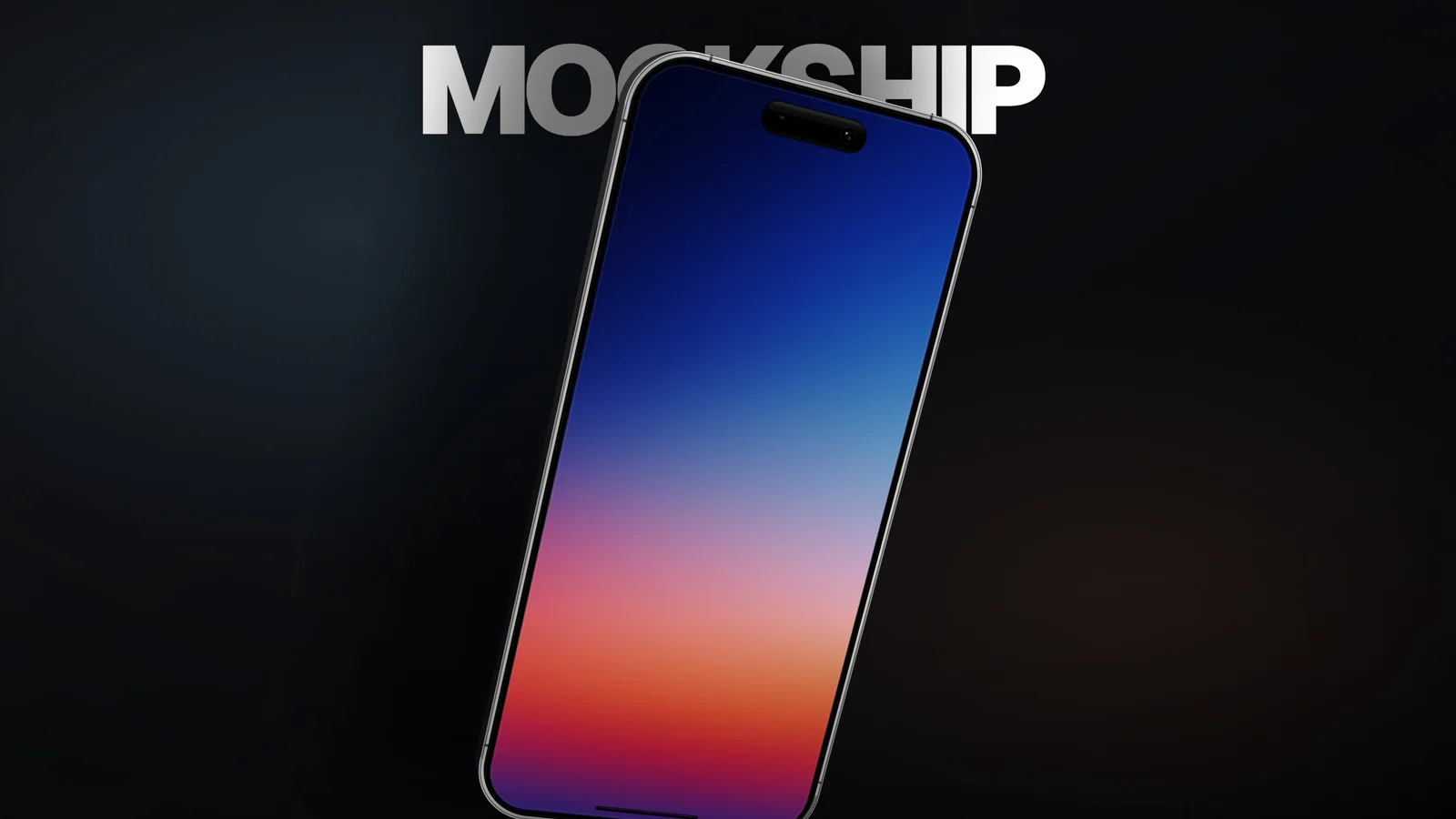
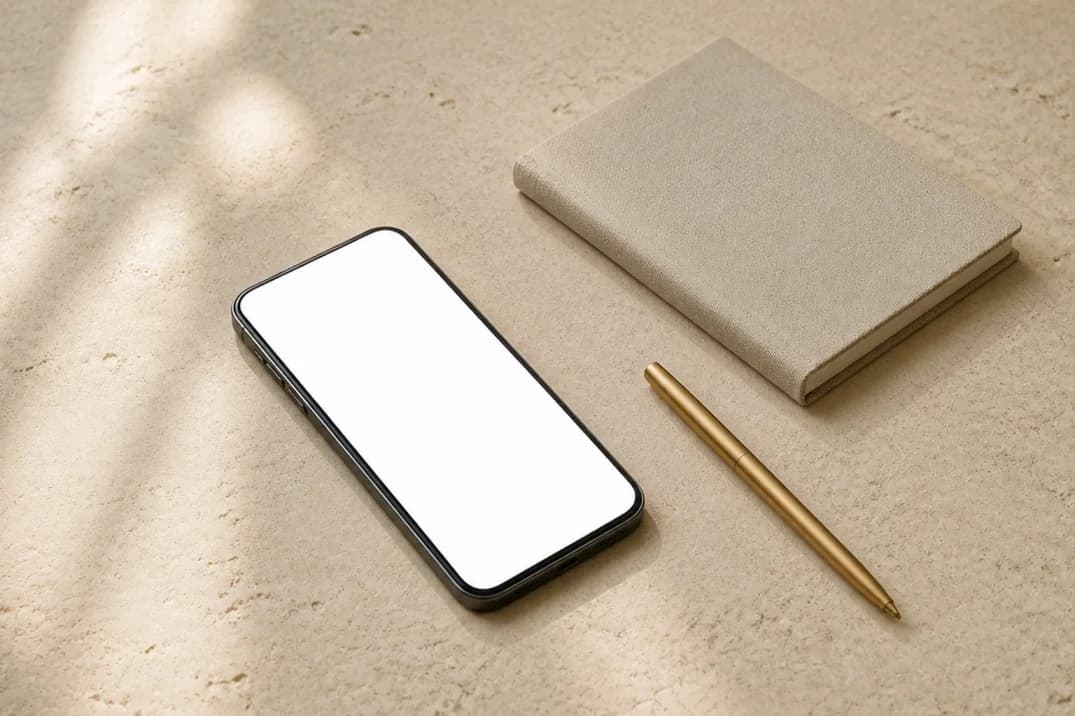
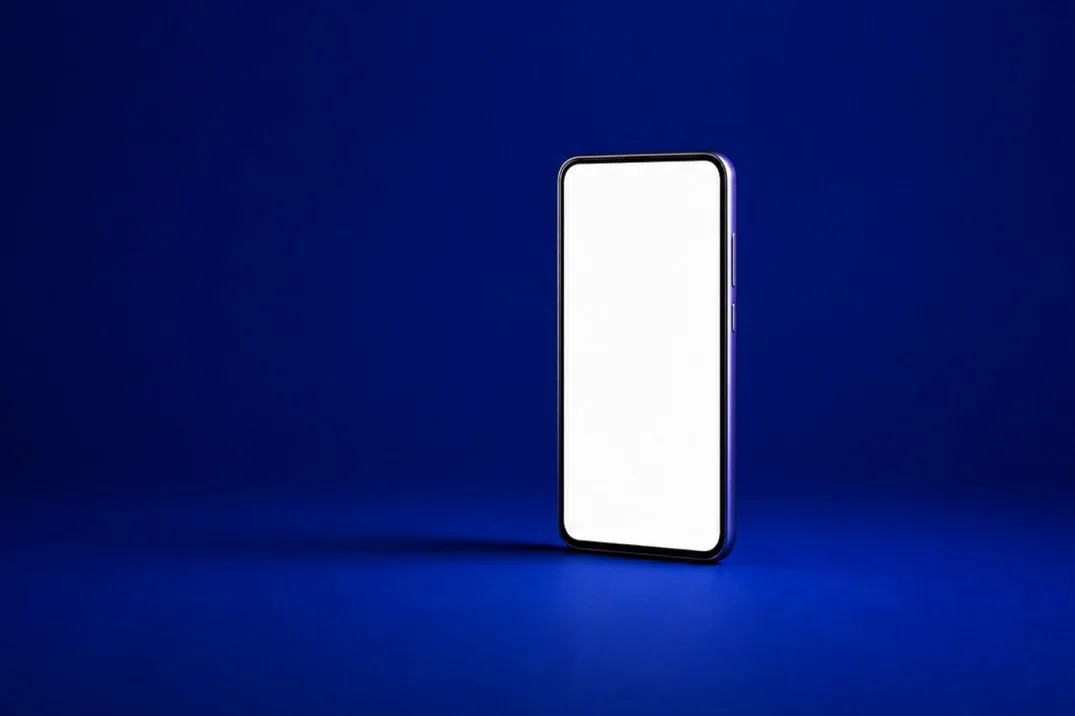
A launch film. A homepage hero. The post that gets noticed.
Give every product moment the presentation it deserves.
Use the left and right arrow keys to explore, or Home and End to jump to the first and last example.
Video + imageMotion studioImageImage editorVideo + imageMotion studioImageImage editorApp launches, example 1 of 4.
Two studios. One creative toolkit.
Choose the workspace that fits the way you want to show up.
For videos and images. Turn screenshots and recordings into animated 3D device scenes, then take your favorite frames with you.
For images only. Bring your interface into a considered composition for your website, pitch deck, or next portfolio piece.
From screen to scene
How to create a 3D device mockup: start with your product, direct the scene, and export for the place it will be seen.
Explore the creative controls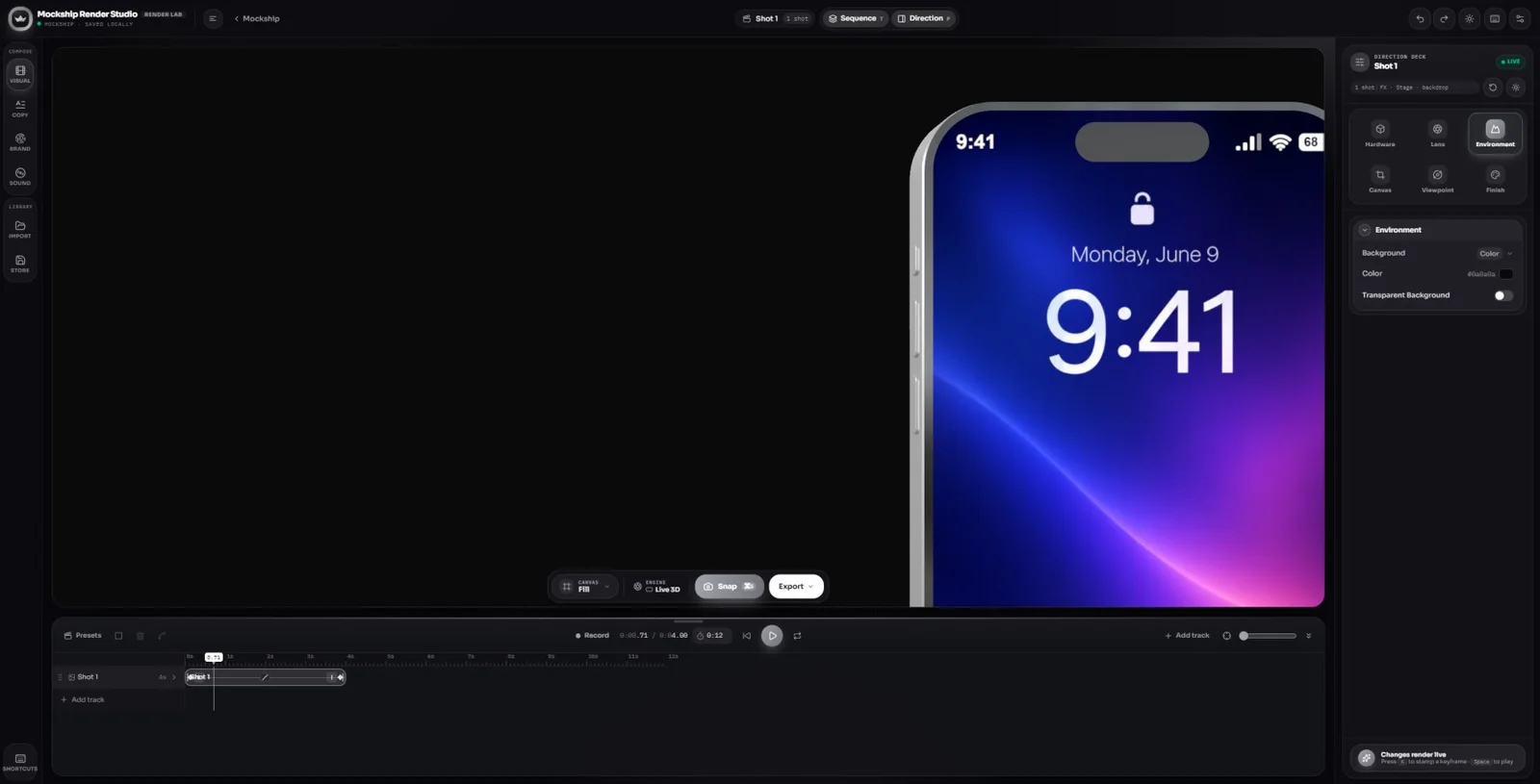
Choose a device that fits your product, then upload a screenshot. In Motion, you can also use a screen recording to show the interface in action.
A clear source image makes the difference. Match the device orientation and keep important UI away from the edges.
Rotate the device, compose the camera, and balance the background and lighting. Make a quiet product portrait or a dramatic close-up.
For animation, use Motion to build a sequence of scenes and camera moves around your product's strongest features.
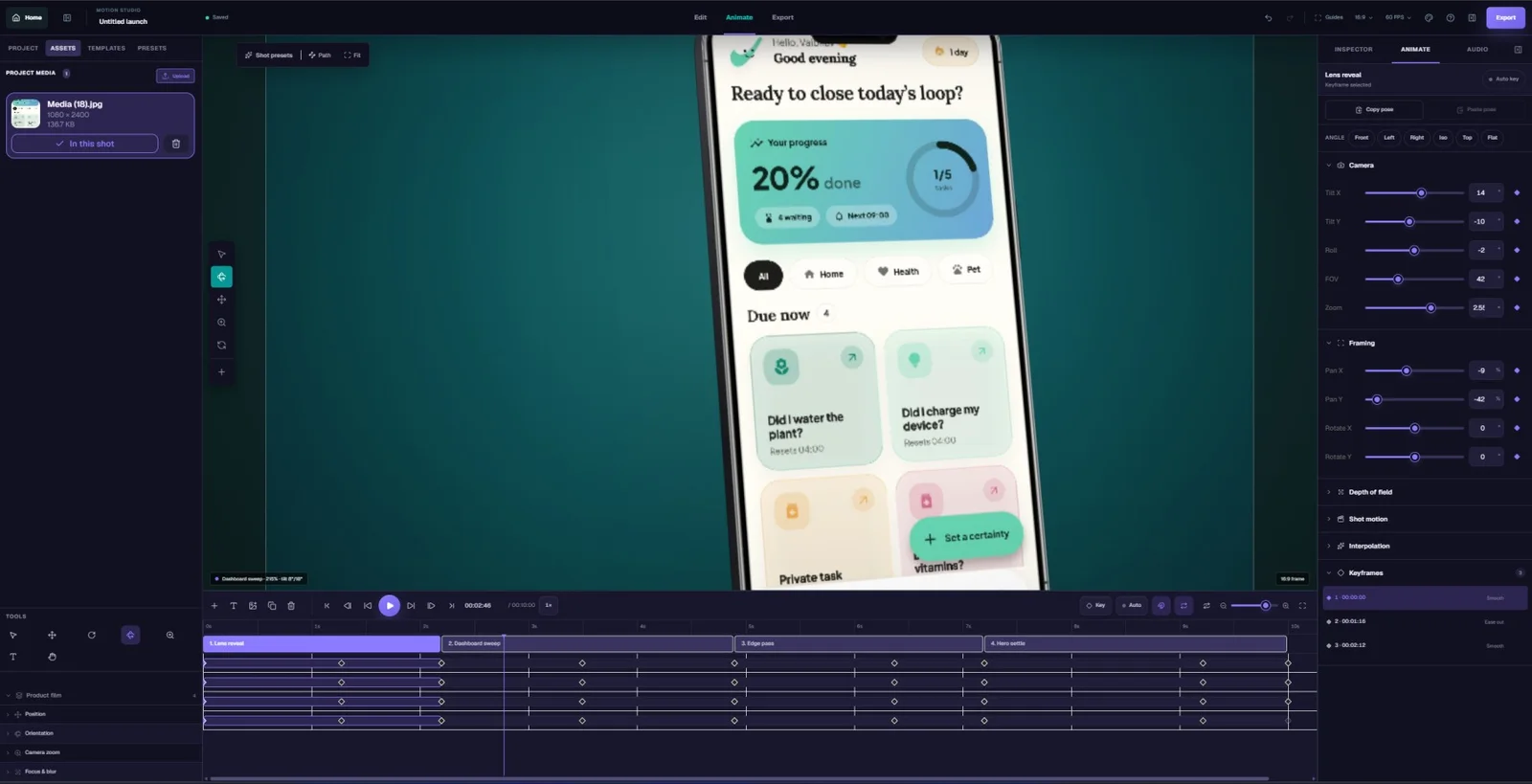
Export an image for your website or presentation. In Motion, finish the timeline with music and export a video plus still images for your launch.
Choose the aspect ratio for the destination: landscape for a website, portrait for a mobile feed, or square for a campaign.
A flat screenshot shows an interface. A 3D device mockup gives it context, scale, and a point of view.
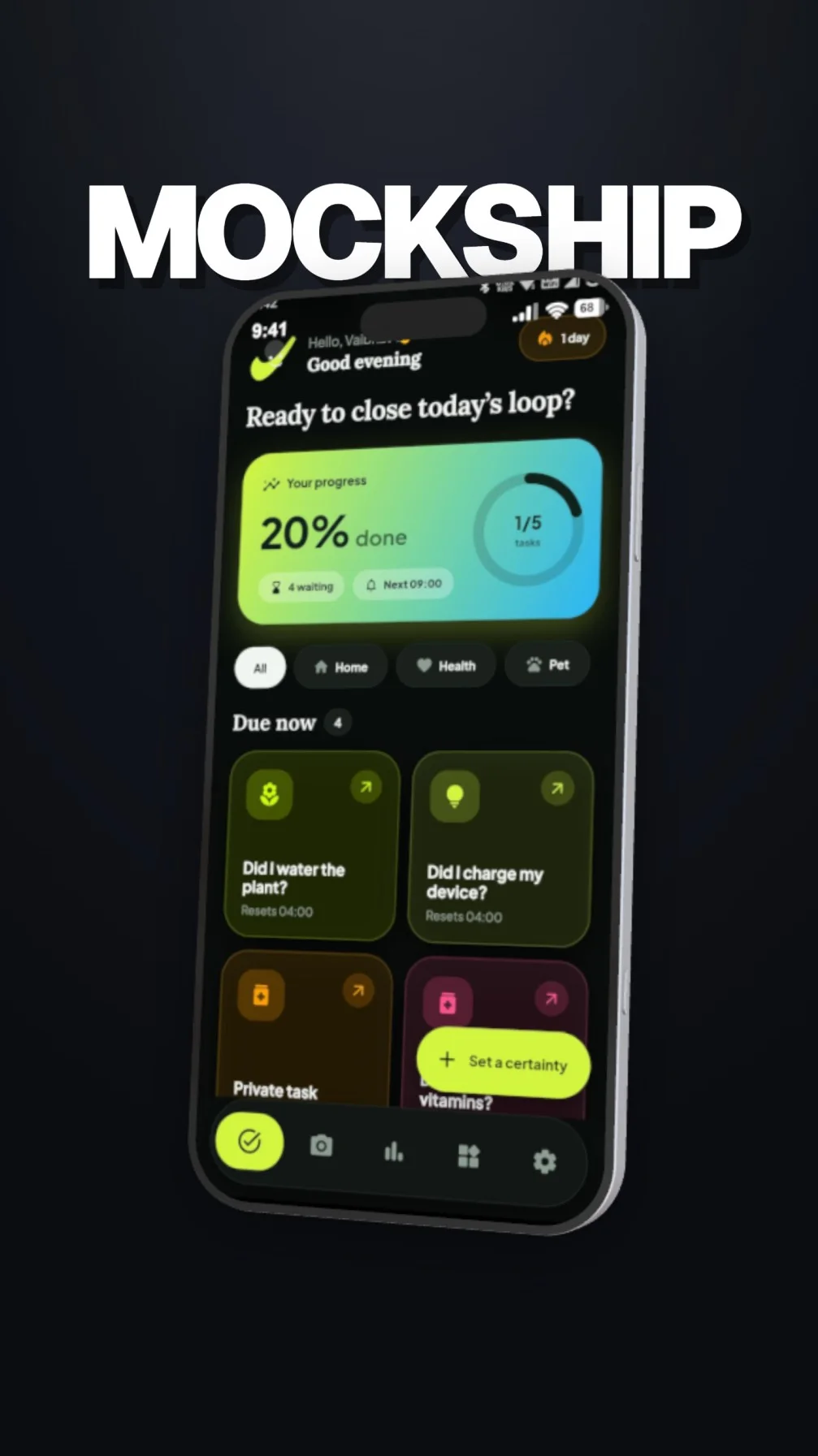
Frame a full device, get close to a feature, or build a scene around several screens. In Motion, connect those perspectives with animated camera movement.
Shape the lighting, reflections, and device finish. Use contrast to separate the screen from its surroundings and keep your product easy to read.
Choose a background, adjust the framing, and leave space for your message. Build a consistent visual language across a website, launch film, and social campaign.
Use the Editor for still images and transparent PNGs. Use Motion for video and PNG, JPEG, or WebP frames. Select your output size in the workspace.
For the next thing you ship
Explore the tools with a free account. Choose a paid plan when you need more room to create and export.
Frequently asked questions
Questions about creating 3D device mockups with Mockship.
A 3D device mockup generator places your screenshot or screen recording inside a digital phone, tablet, laptop, or monitor. You can change the camera angle, lighting, background, and device appearance to present your interface with depth. Mockship brings this workflow into your browser for product images and animated launch content.
Choose Motion when you want videos and images: animated device scenes, camera movement, a timeline, music, and still-frame exports in one workspace. Choose the Editor when you only need images, such as a website hero, portfolio render, presentation slide, or transparent PNG mockup.
Yes. Upload your own product screenshots to replace the device screen. For a screen recording or an animated presentation, open Motion and add your media to a device scene. Use a clear source image or recording that matches the device screen shape as closely as possible.
Mockship includes phone, tablet, laptop, and monitor options, including iPhone, Android, iPad, and MacBook models. Choose a device in your workspace, then customize its screen and composition. The model selection can differ between Motion and the Editor.
Yes. The Editor supports image exports including transparent PNGs for use in websites, slides, and design tools. Motion also exports still frames as PNG, JPEG, or WebP. Available resolution and export options depend on the workspace, your plan, and browser support.
No. Mockship provides ready-to-use devices and visual controls in your browser. Select a model, add your screen, and adjust the composition. Motion adds scene and timeline controls for animation. A browser with hardware acceleration helps the 3D preview run smoothly.
Yes. Create an account to use the creative tools and try the eligible exports included in the Free plan. Paid plans provide larger monthly export allowances and additional export options. Visit the pricing page for current limits, formats, and billing details.