 Video + imageMotion studio
01The entrance
Make the first movement matter.
Bring the device into view with a considered camera move. Keep the scene focused so the audience knows where to look before the product story begins.
Direct your entrance
animated device mockups
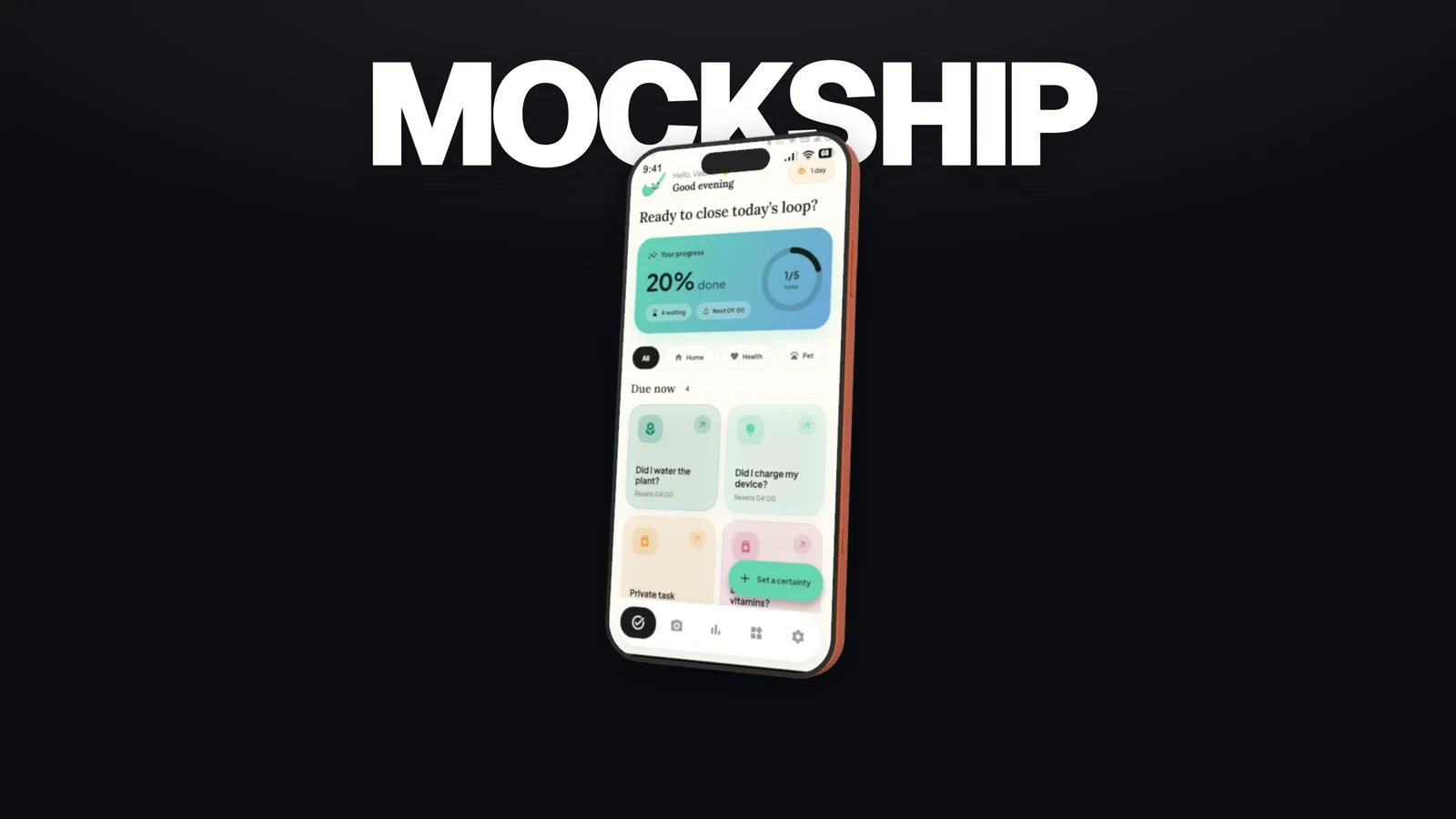
Create animated 3D device mockups with camera movement, screen recordings, and sound. Take your favorite frames with you.
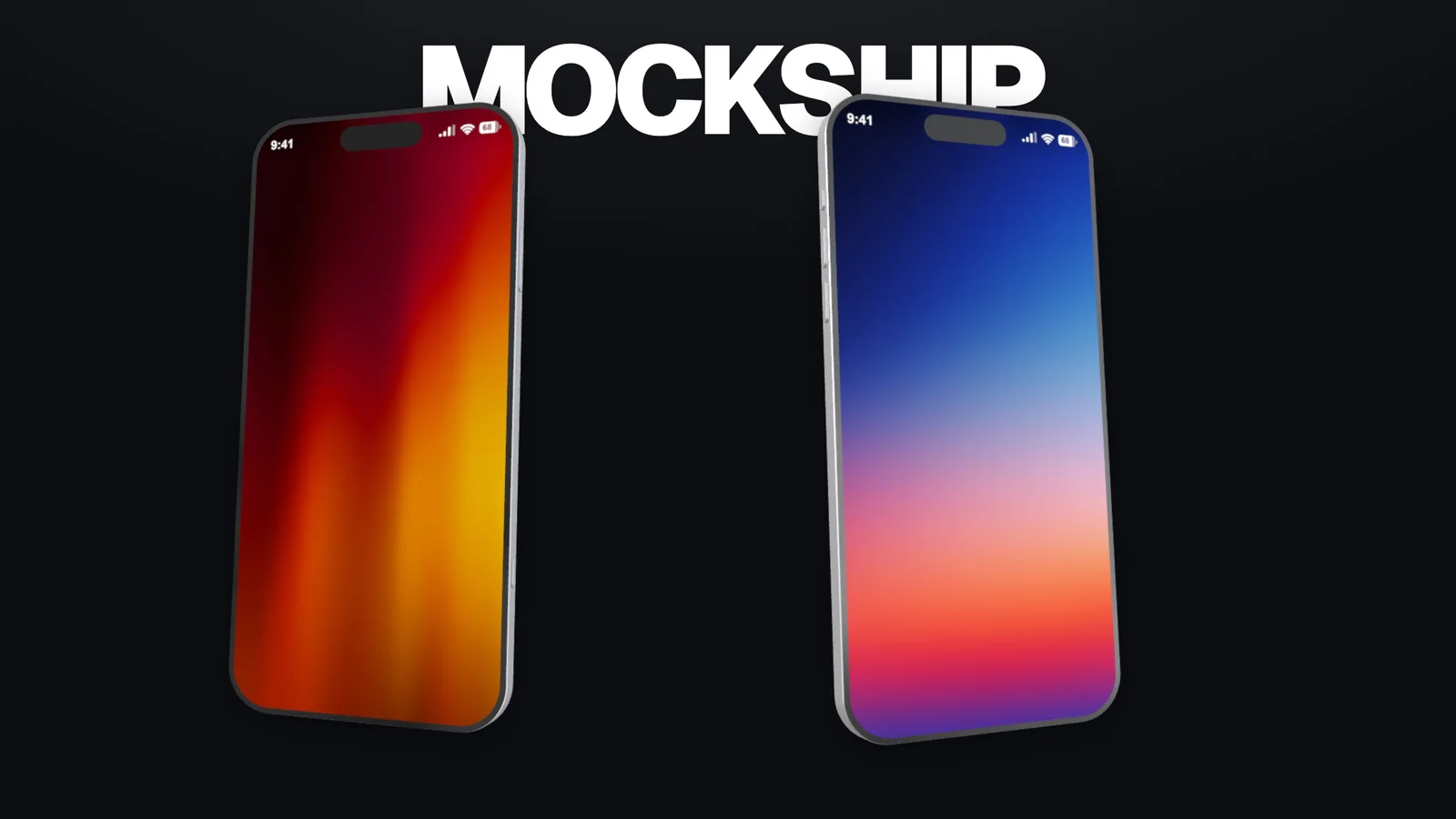
The possibilities
An animated device mockup gives your interface a rhythm. Make the entrance, hold on the detail, and leave people with something to remember.
Use the left and right arrow keys to explore, or Home and End to jump to the first and last example.
Video + imageMotion studio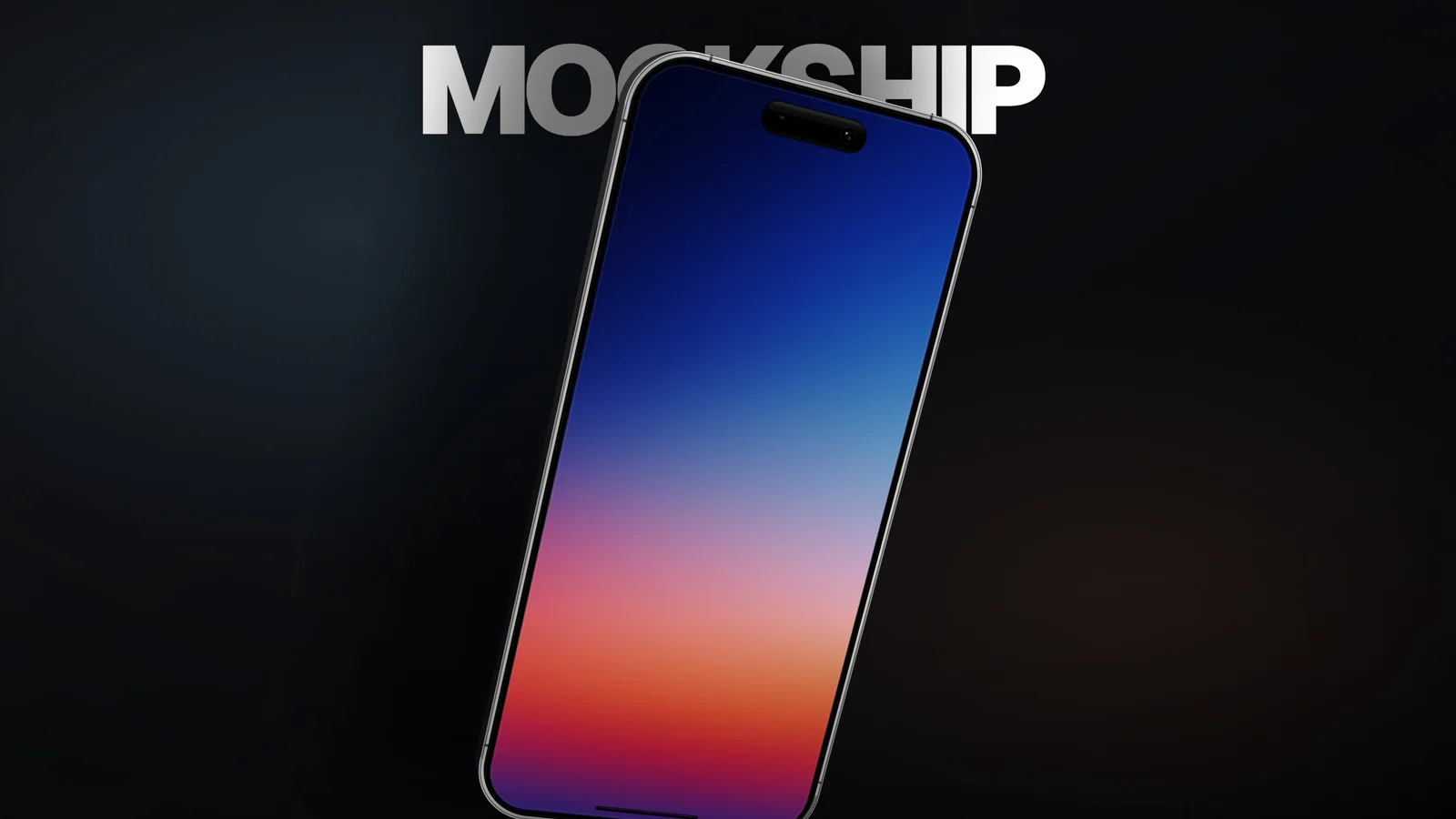 Video + imageMotion studioVideo + imageMotion studio
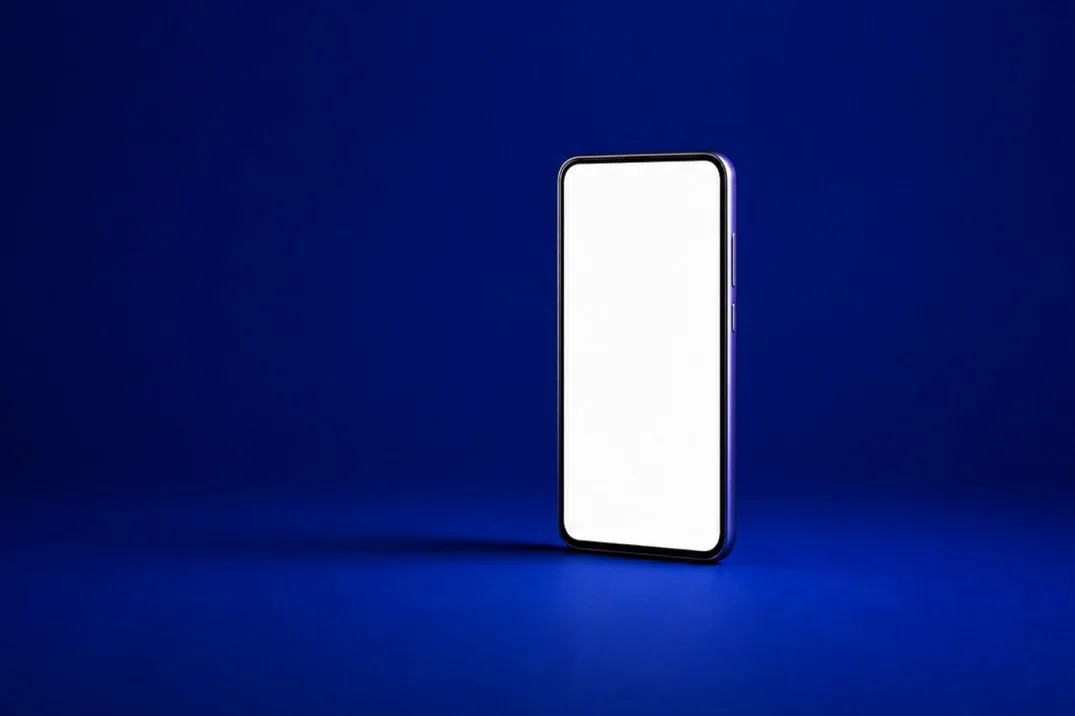 ImageImage editor
The entrance, example 1 of 4.
Choose your workspace
Motion creates videos and images. The Editor gives still images a dedicated workspace.
For videos and images. Direct animated 3D devices, work with screenshots or recordings, and export a film or a favorite frame.
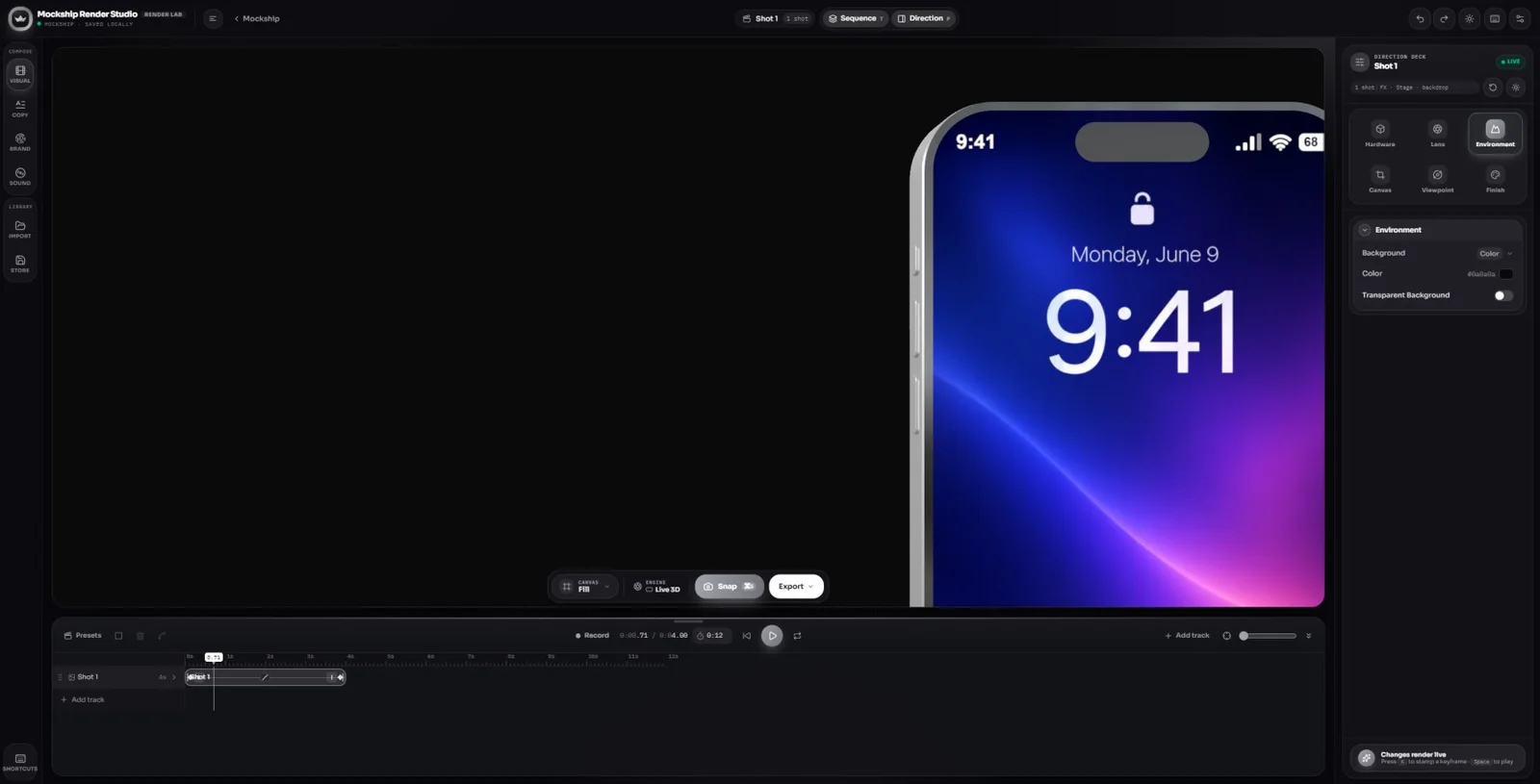
For images only. Compose a device scene with a considered angle, lighting, and background for your site or presentation.
Explore a sequence of perspectives. Establish the product, move toward the detail, and land on a frame people remember.
Use the arrow buttons, swipe a card, or use Left and Right on this gallery. Select the front image to expand it.
Establish a clear point of view.
The opening, image 1 of 6.
The creative process
How to make an animated device mockup: add the product, direct the movement, and finish the sequence.
A closer look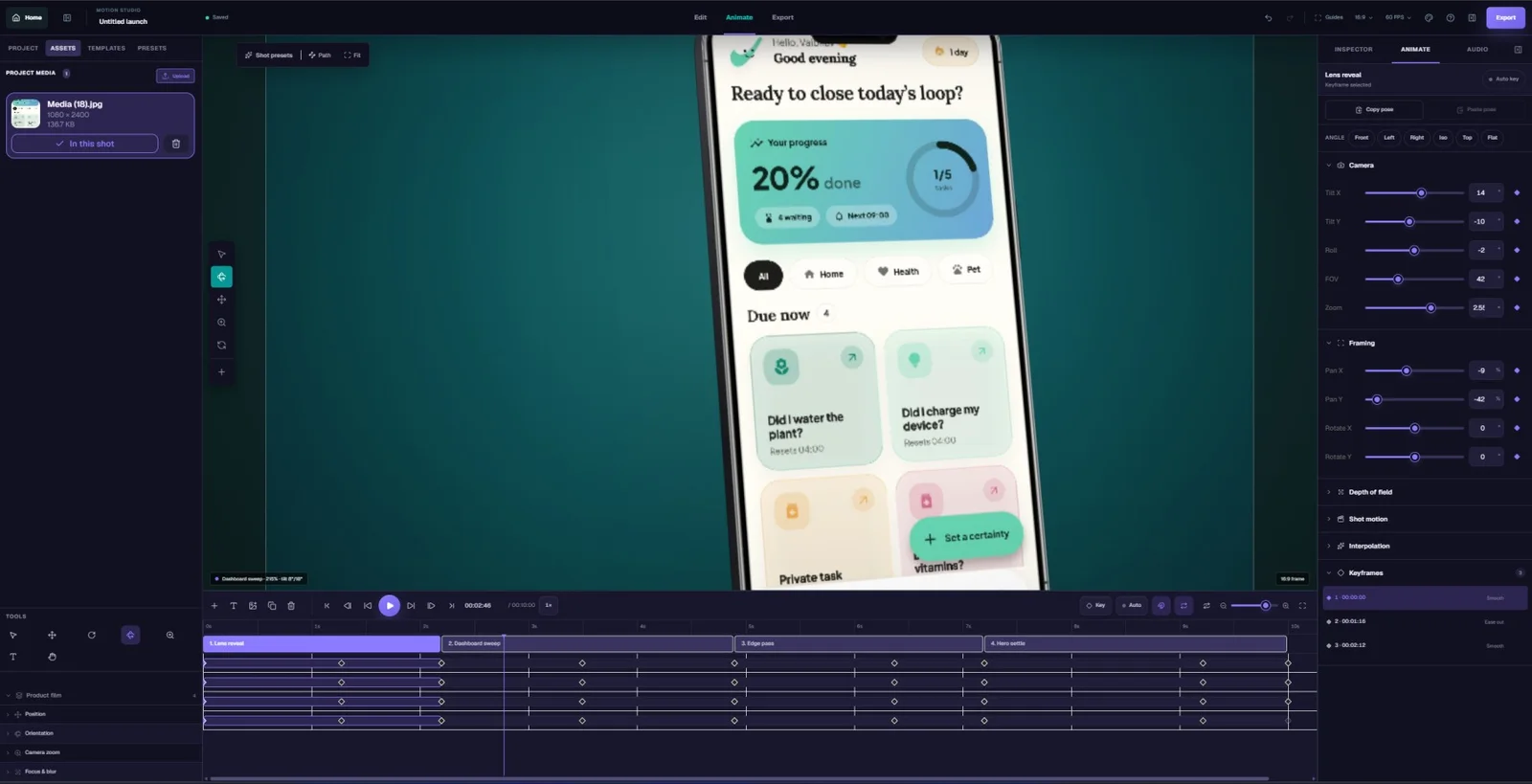
Open Motion, select a device, and add a screenshot or recording. Start with the interface moment that explains the product most clearly.
Choose a device and orientation that suit the source media before building the animation.
Set your framing and build camera or device movement through the scene. Let the shot settle when the audience needs time to read or watch an interaction.
A strong opening, one detail shot, and a quiet ending are a useful place to start.
Preview scene timing with your music and sound. Export the animation, then take still frames for the rest of the campaign.
Review the result at the size and aspect ratio where people will actually see it.
Animation works best when it helps someone see the product. Build a sequence around attention, pacing, and a clear finish.
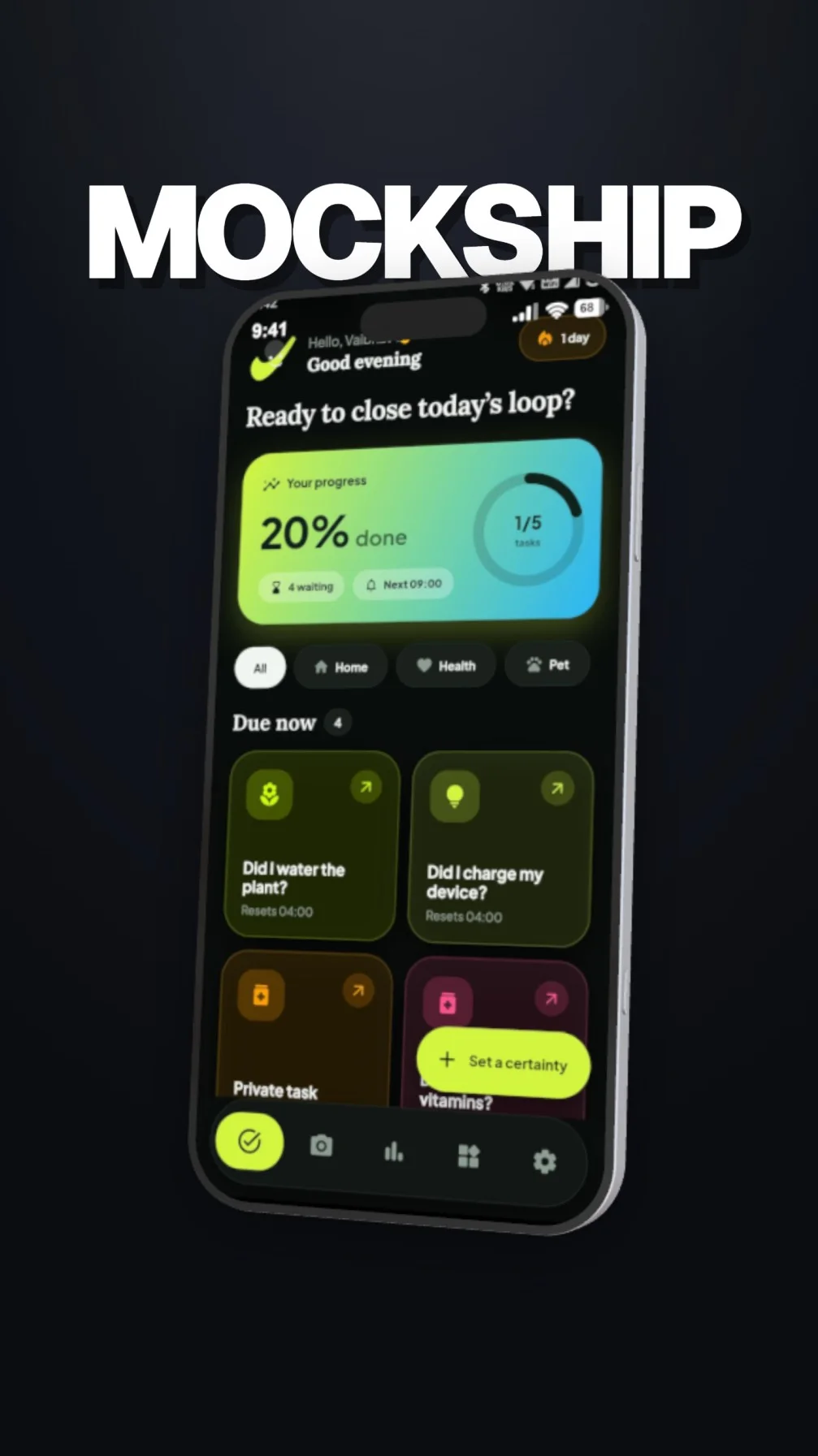
Use a wide shot to establish the device, then move toward the interface. Change perspective when the next view adds information.
Put a recording inside the screen to demonstrate an interaction. A still screenshot works well when the camera movement supplies the animation.
Let a headline, screen, or interaction stay visible long enough to understand. Preview with sound before deciding where to cut.
Export frames from Motion to accompany the film. If you need a separate image composition or transparent background, use the Editor.
Build a visual rhythm across your film and still images. Browse the frames, then direct your own sequence in Motion.
For your next release
Explore the creative tools with a free account. Choose a plan when your next launch needs more room to create and export.
Frequently asked questions
Practical answers for your next device composition.
Open MotionAnimated device mockups show your interface inside a device scene with movement over time. The animation can come from the camera, the device, a screen recording, or a combination. They are useful for app launches, feature reveals, website videos, and social content.
Use Motion for animated 3D device scenes, camera moves, recordings, music, video, and still-frame exports. Use the Editor for images only. For a broader promo that combines multiple types of scenes and media, explore the Video studio.
Yes. A screenshot can stay on the device while the camera or device moves through the scene. Upload a screen recording when you also want to demonstrate the interface itself changing.
Yes. Motion supports video and still-image exports from the scene. This lets you keep the camera, lighting, and device treatment consistent across a film and campaign images. Available output options depend on the workspace and your plan.
Begin with one clear purpose for each shot. Establish the device, draw attention to an interface detail, then let the composition settle. Preview at the final viewing size and keep enough time for people to understand the screen.
Keep the story going