App Store Screenshot Studio

App Store screenshots,ready to ship.

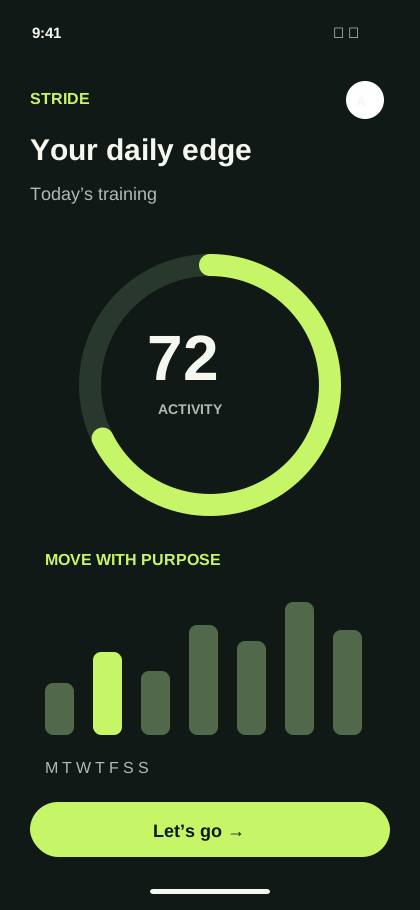
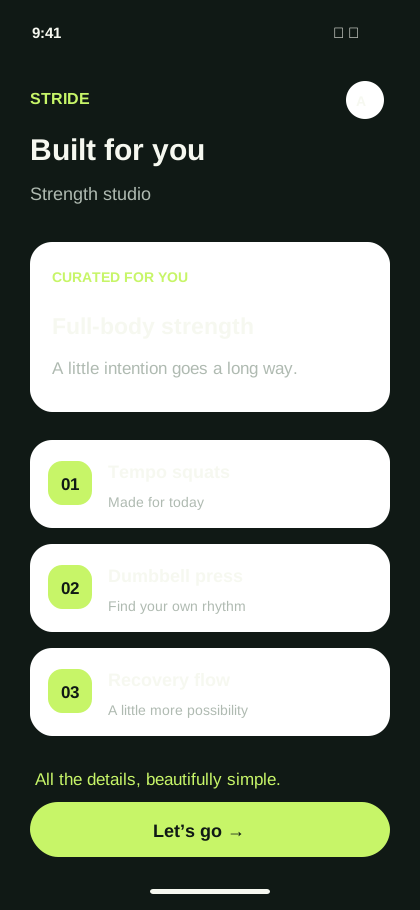
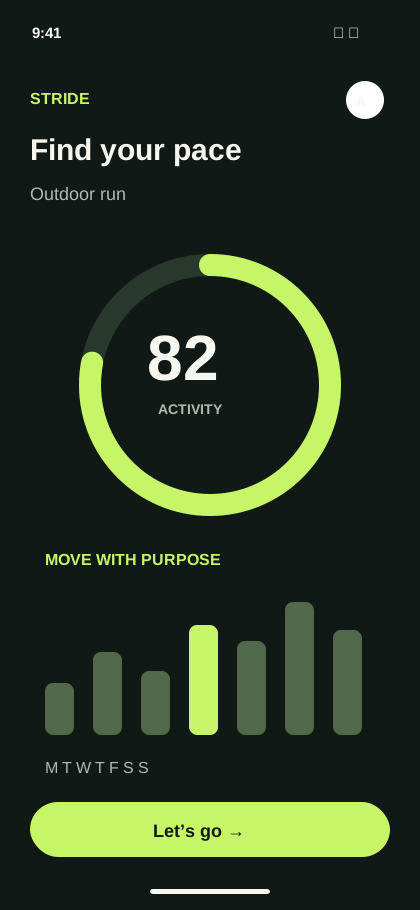
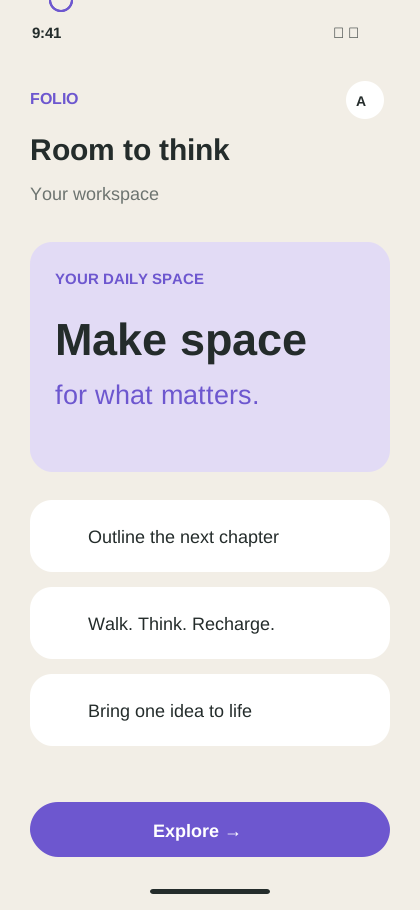
Turn real product screens into a focused visual story, then export every size your App Store listing needs.

Built for the formats you publish

iPhone 16 Pro MaxiPad Pro 13-inchApp Store ConnectValidated ZIP export

The goal

Turn product features into a clear download story.

Store visitors decide quickly. Mockship helps you lead with the strongest benefit, keep every card visually connected, and finish with assets that are ready to upload.

No blank canvas to wrestle with. No manual resizing. Just a polished campaign built around your app.

Built for conversion

One campaign. A stronger first impression.

Everything required to craft compelling visual stories that drive downloads.

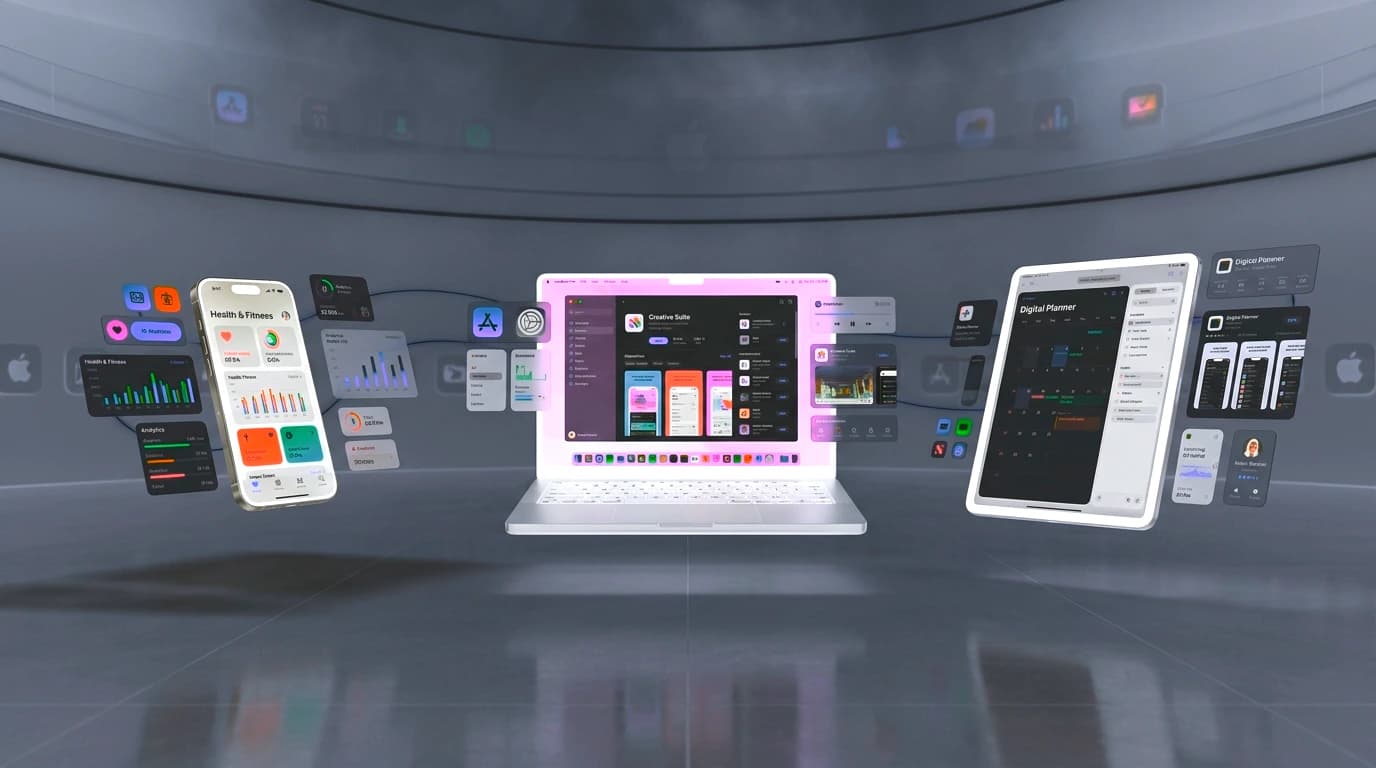
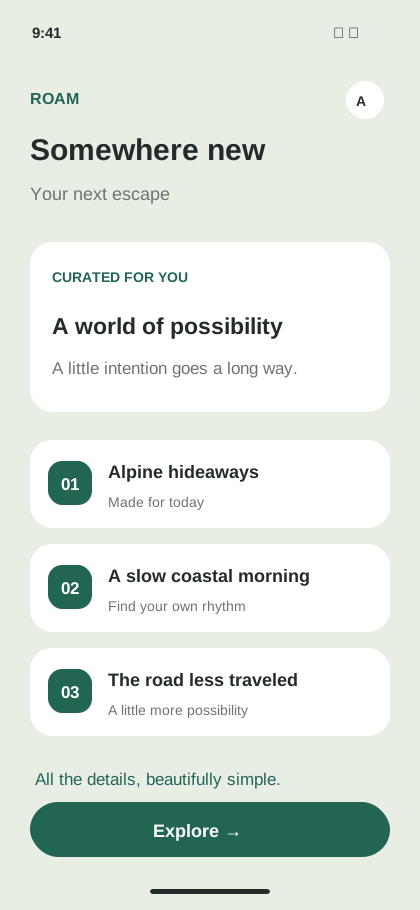
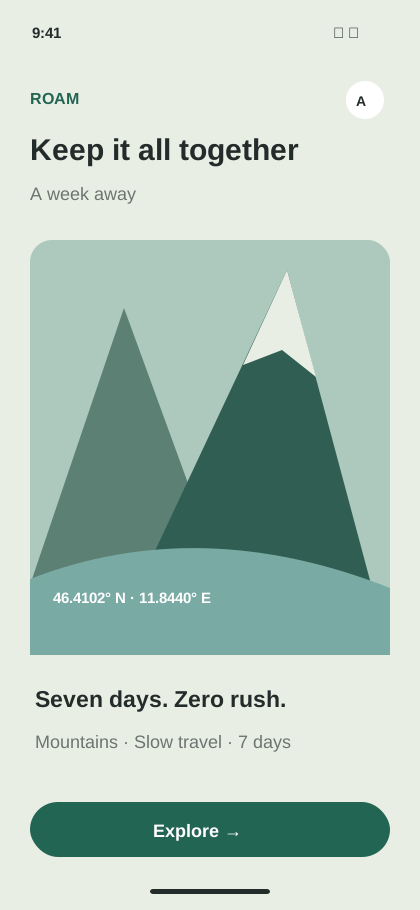
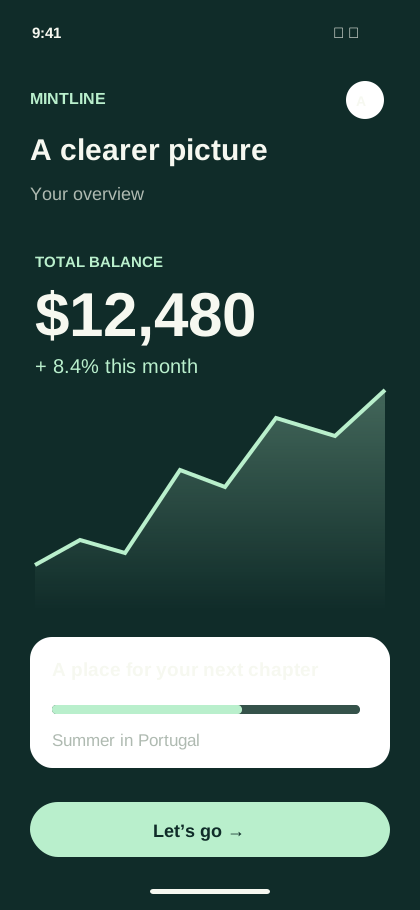
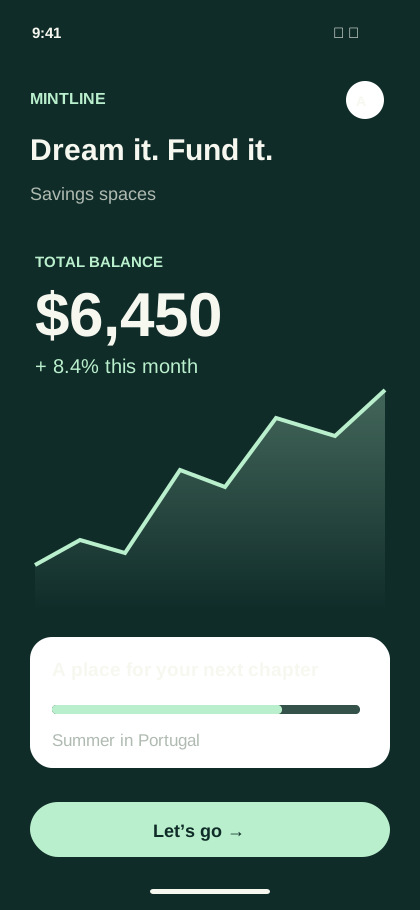
Panoramic Screen Spanning

Stretch UI elements, device frames, and graphic accents smoothly across multiple adjacent screenshot cards to tell a continuous story.

Verified Apple Display Dimensions

Automatic layout targets for 6.9" iPhone 16 Pro Max, 6.7" iPhone 15/14 Pro Max, 6.5" iPhone 11 Pro Max, 5.5" iPhone 8 Plus, and iPad Pro.

Conversion-Focused Typography

Tailored headline, eyebrow, and body pairings with optimal contrast ratios and letter-spacing for glanceable mobile readability.

Batch Asset Management

Manage up to 10 screenshots per campaign, reorder screens with drag-and-drop, and swap global brand colors in a single click.

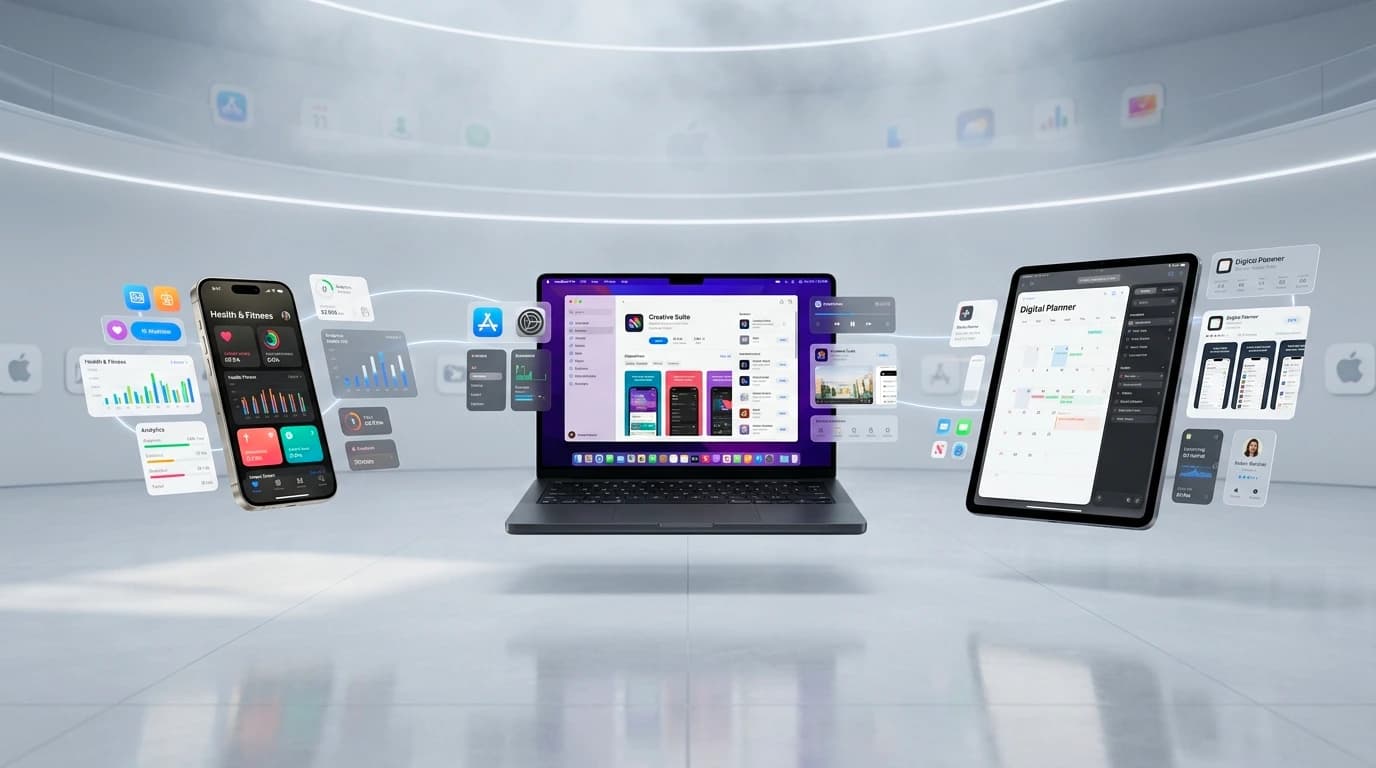
Mockship studio showing a complete App Store screenshot campaign
Campaign overviewiPhone + iPad ready

A simple workflow

How to build an App Store screenshot campaign

A streamlined 4-step workflow tailored for iOS developers.

01

Select an App Store template pack

Choose from designer-crafted template families: Minimalist, Bold Editorial, High Tech, or Playful.

02

Import your iOS screenshots

Upload app views or paste from clipboard. Automatically maps to iPhone and iPad frames.

03

Write high-impact value proposition headlines

Highlight top features with clear, readable typography and feature callout badges.

04

Export verified store pack

Download a ZIP file organized by target device size, ready to upload straight to App Store Connect.

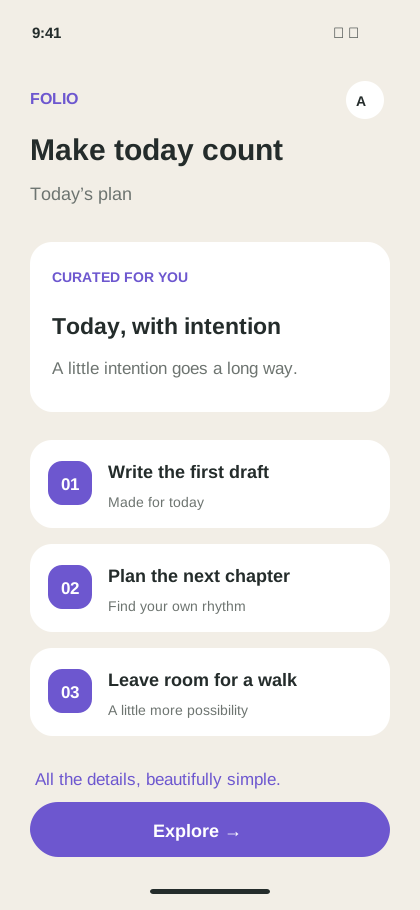
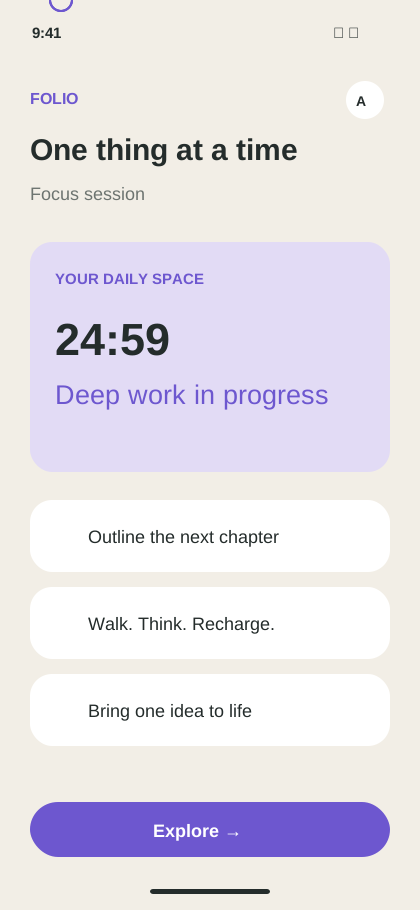
Afterglow created in Mockship

Signature template

Afterglow

Built from your real screens and tuned for the channel where it will ship.

Designer-built foundations

Start with art direction, not an empty canvas.

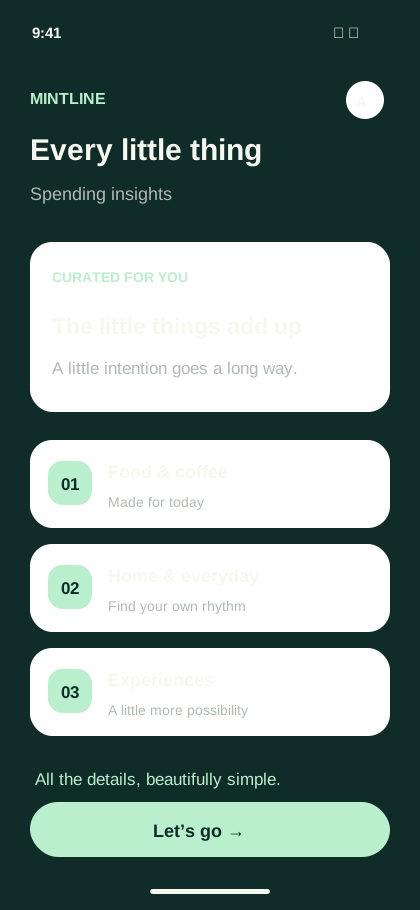
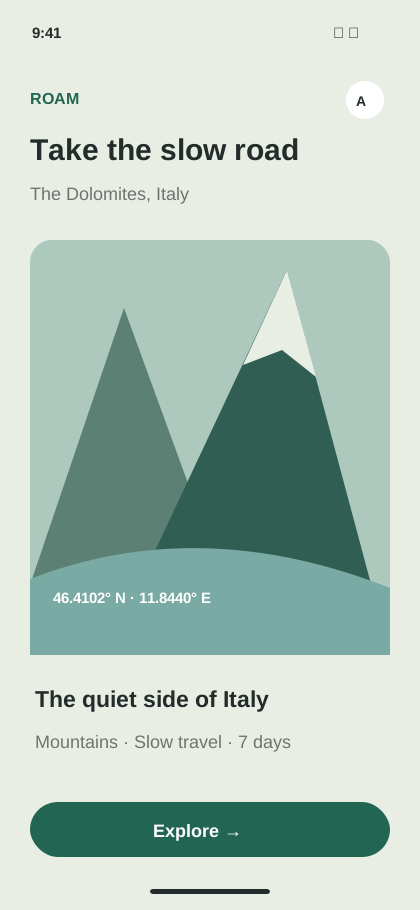
Use curated template families as a strong point, then replace the content with your screenshots, copy, and brand choices.

  • Panoramic Flow Across Cards
  • Apple Store Guideline Compliant
  • iPhone 16 Pro 6.9" & 6.7" Support
Explore Template Packs

App Store Connect ready

Every export lands at the right size.

Mockship exports match exact pixel specifications required by App Store Connect.

6.9-inch Display (iPhone 16 Pro Max)1320 × 2868 pixels (Portrait) / 2868 × 1320 (Landscape)Mandatory for iOS 18+
6.7-inch Display (iPhone 15/14 Pro Max)1290 × 2796 pixels (Portrait) / 2796 × 1290 (Landscape)Mandatory
6.5-inch Display (iPhone 11 Pro Max/XS)1242 × 2688 pixels (Portrait) / 2688 × 1242 (Landscape)Supported
5.5-inch Display (iPhone 8 Plus)1242 × 2208 pixels (Portrait) / 2208 × 1242 (Landscape)Supported
13-inch iPad Pro (M4)2064 × 2752 pixels (Portrait) / 2752 × 2064 (Landscape)iPadOS App Store
12.9-inch iPad Pro (6th Gen)2048 × 2732 pixels (Portrait) / 2732 × 2048 (Landscape)iPadOS App Store

Common questions

Before you start

How many screenshots can I upload to the App Store?

Apple allows up to 10 screenshots per device size in App Store Connect. Mockship supports creating and managing up to 10 sequential artboards per project with seamless panoramic continuity.

Does Mockship validate screenshot resolutions before export?

Yes. Every exported PNG is rasterized to exact App Store Connect pixel dimensions and verified before packaging into the downloaded ZIP file.

Can I create iPad App Store screenshots as well as iPhone?

Yes. You can switch between iPhone targets (6.9", 6.7", 6.5", 5.5") and iPad Pro targets (13" and 12.9") at any time, with responsive repositioning of your typography and device frames.

Ready when you are

Build an App Store story worth swiping through.

Create App Store Screenshots