Editor
Compose with intention.
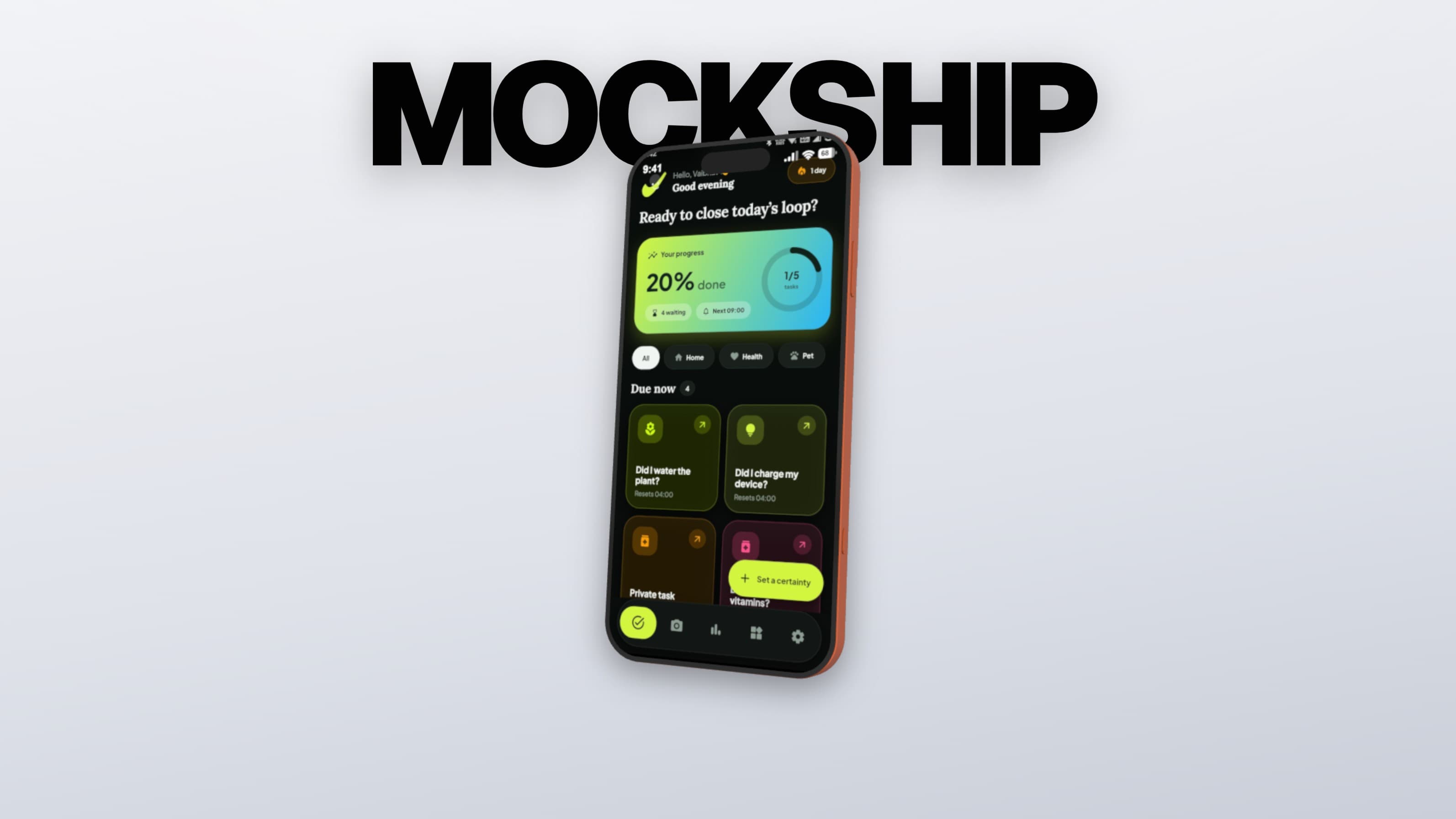
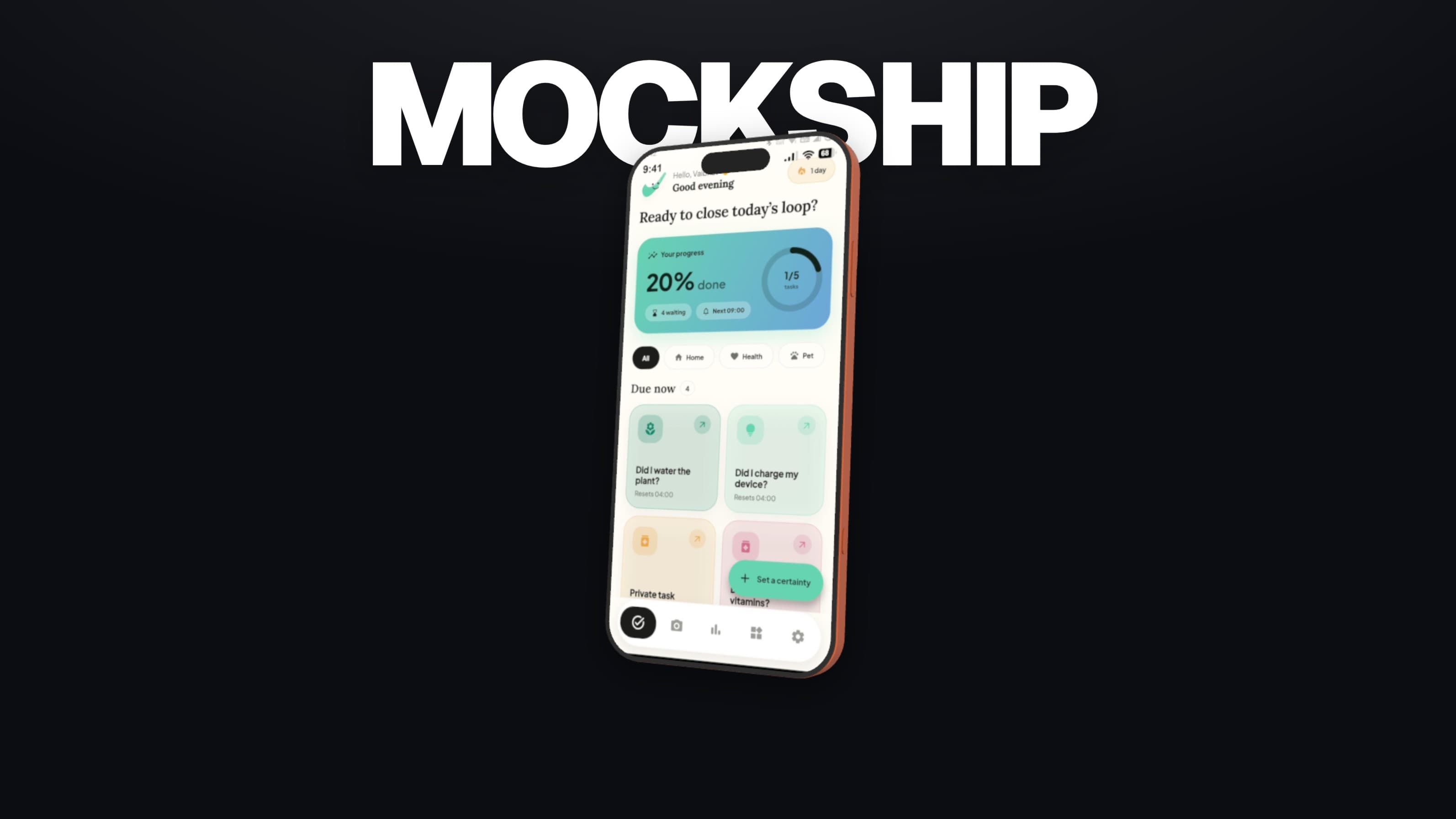
Choose the right device, refine the angle and light, then export the finished frame without losing the character of the source.
Open Editor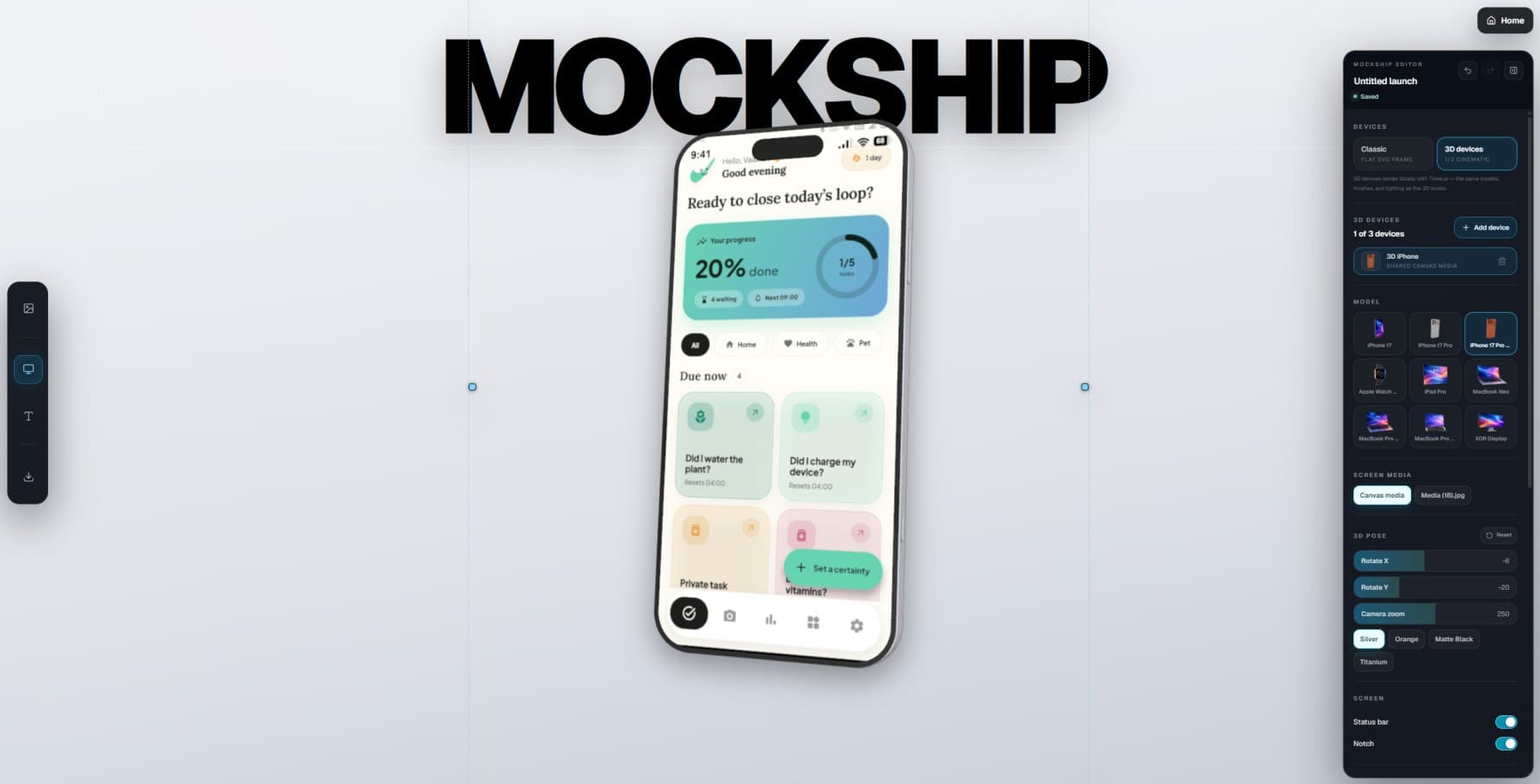
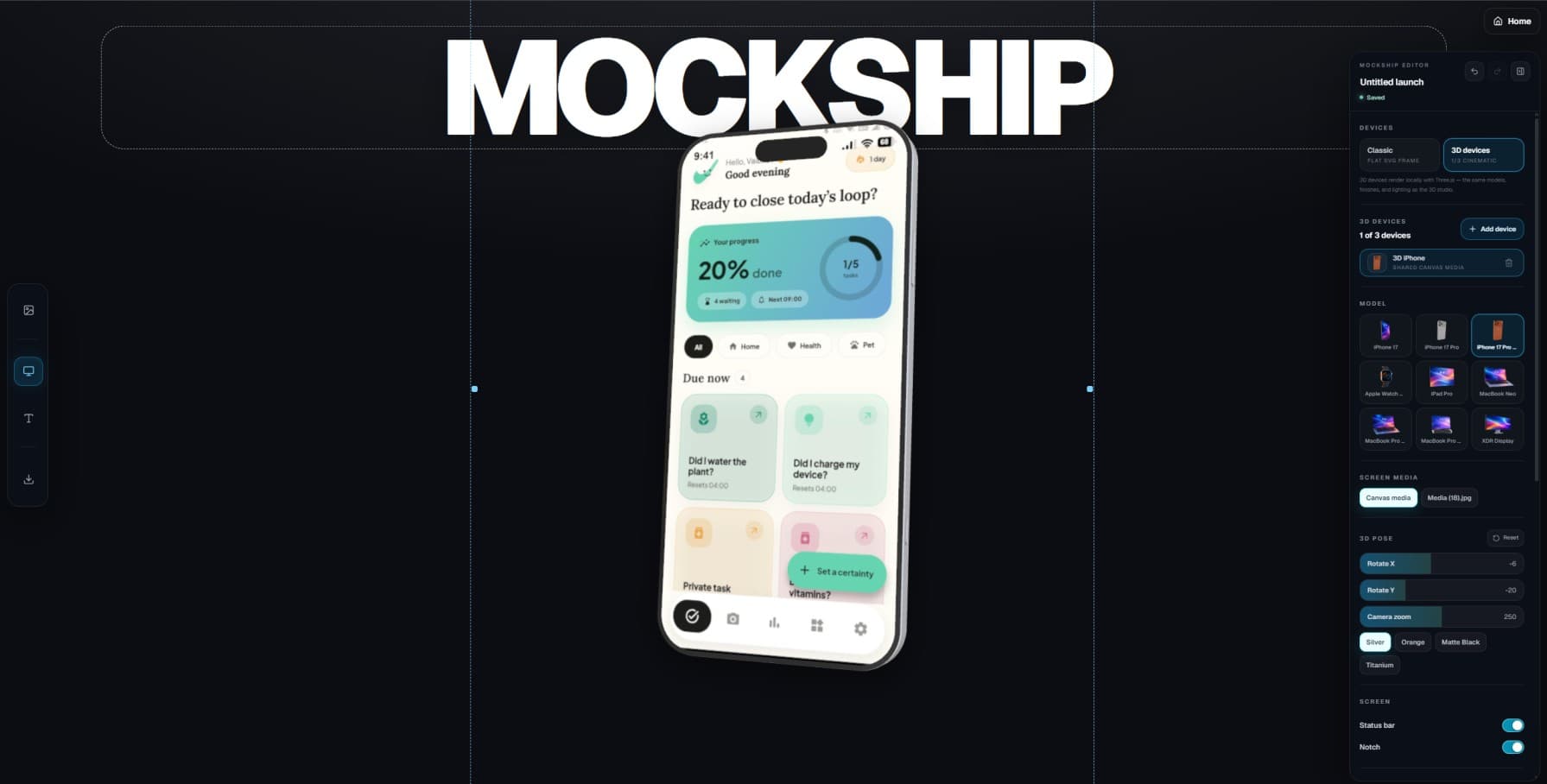
Create store screenshots, realistic device mockups, animated promos, and launch videos — directly in your browser.
Start designing without an account. A subscription is required to export.
From source to story
Editor
Choose the right device, refine the angle and light, then export the finished frame without losing the character of the source.
Open EditorShowcase
Turn one local upload into a coordinated family of store and social visuals, all grounded in the same creative direction.
Open Showcase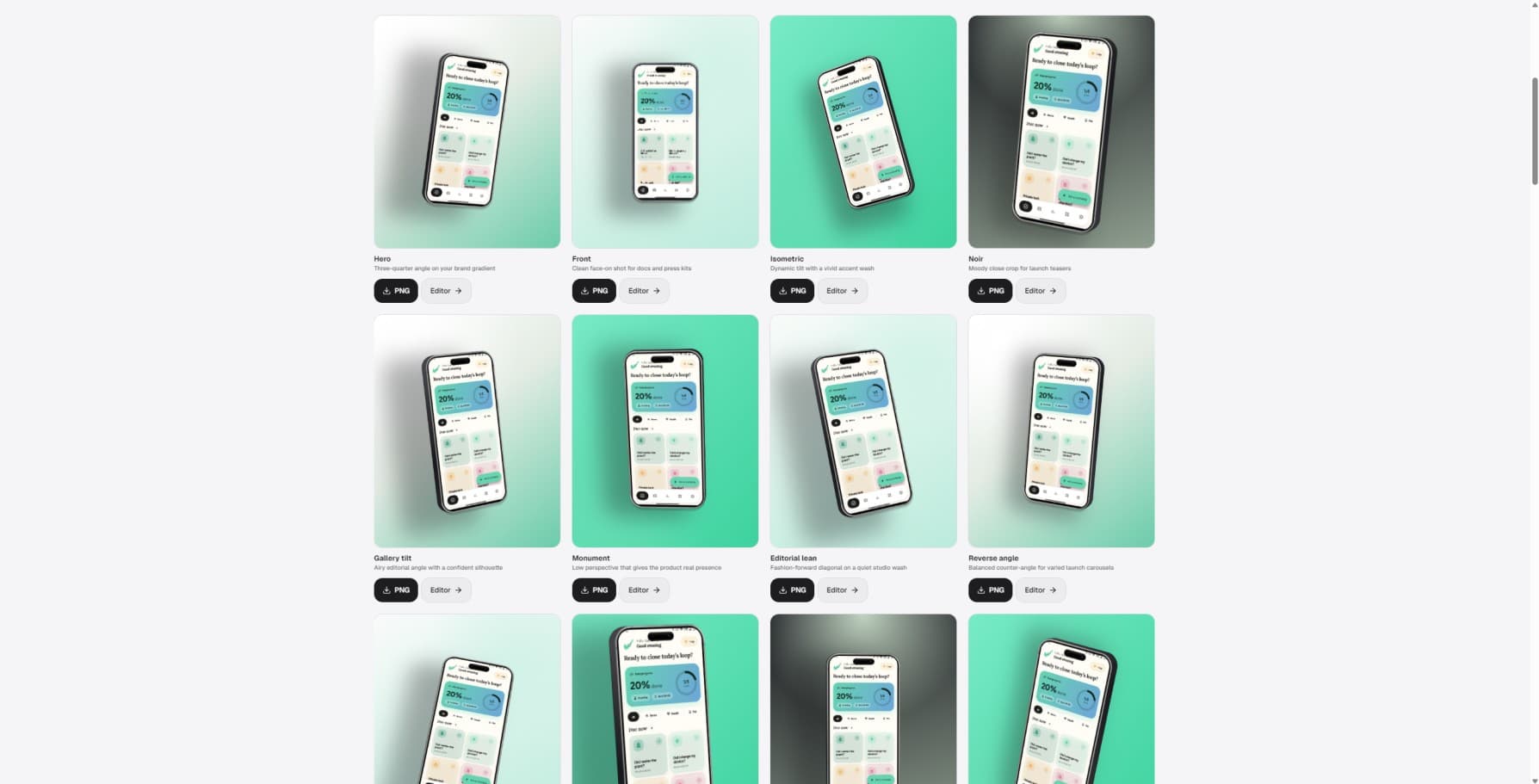
Video + Motion
Shape a focused product film, then finish the camera, timing, music, and sound with the control each moment needs.
Open MotionCompose with intention. — 1 of 3
Inside the studio
Device, angle, lighting, and export controls in one focused canvas.
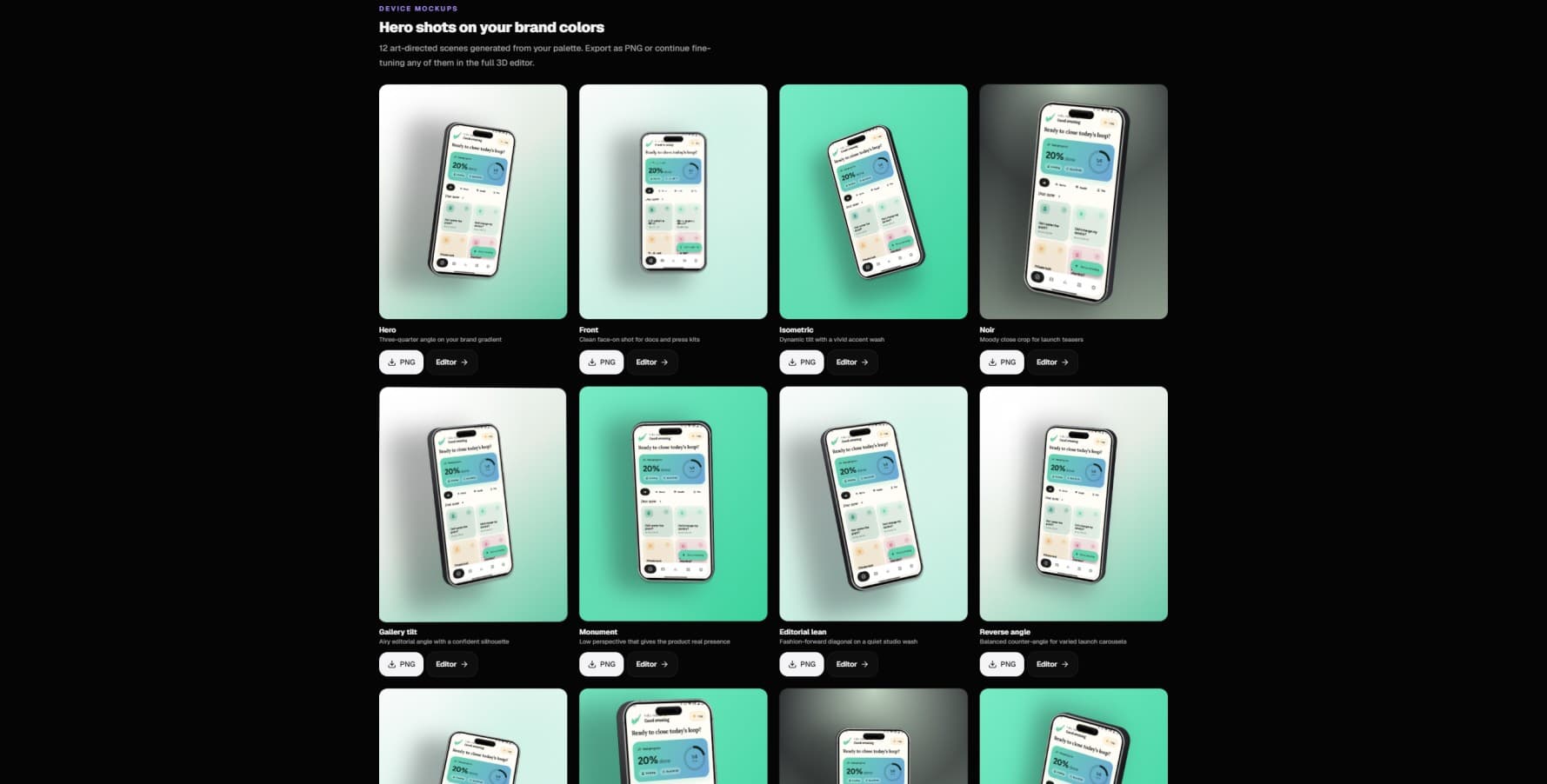
Store, social, and motion-ready assets from one Showcase upload.
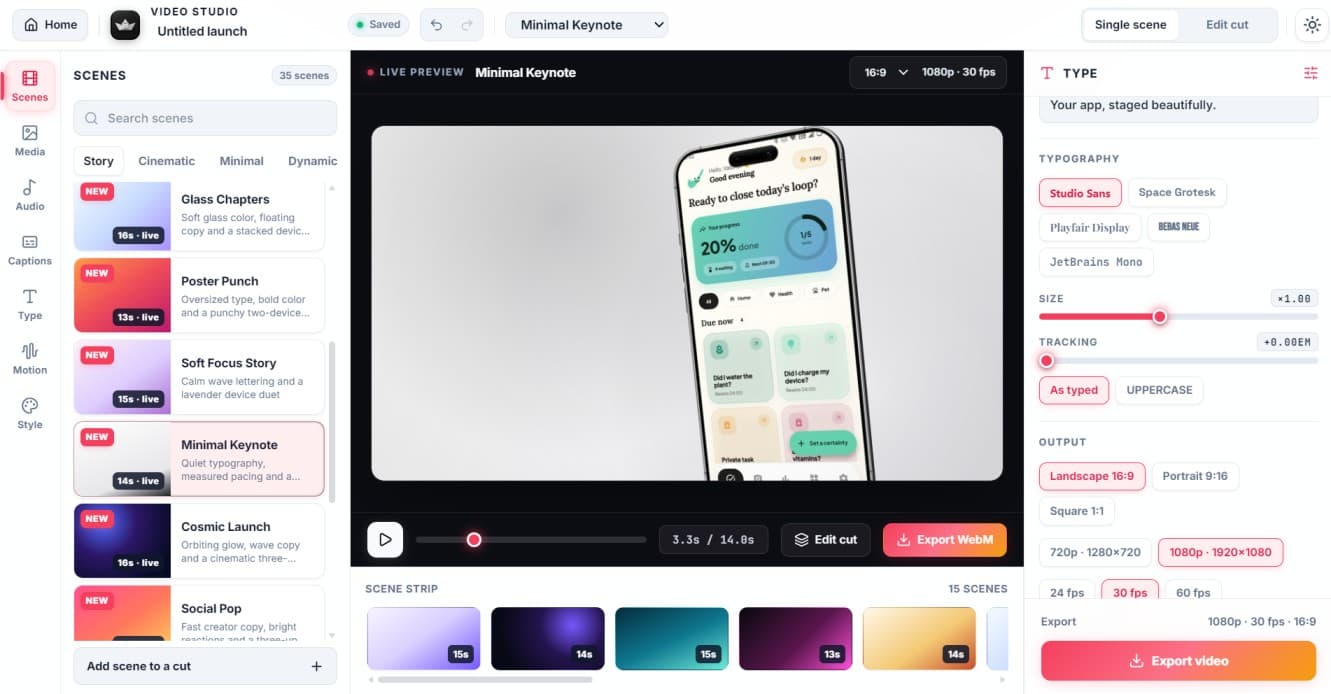
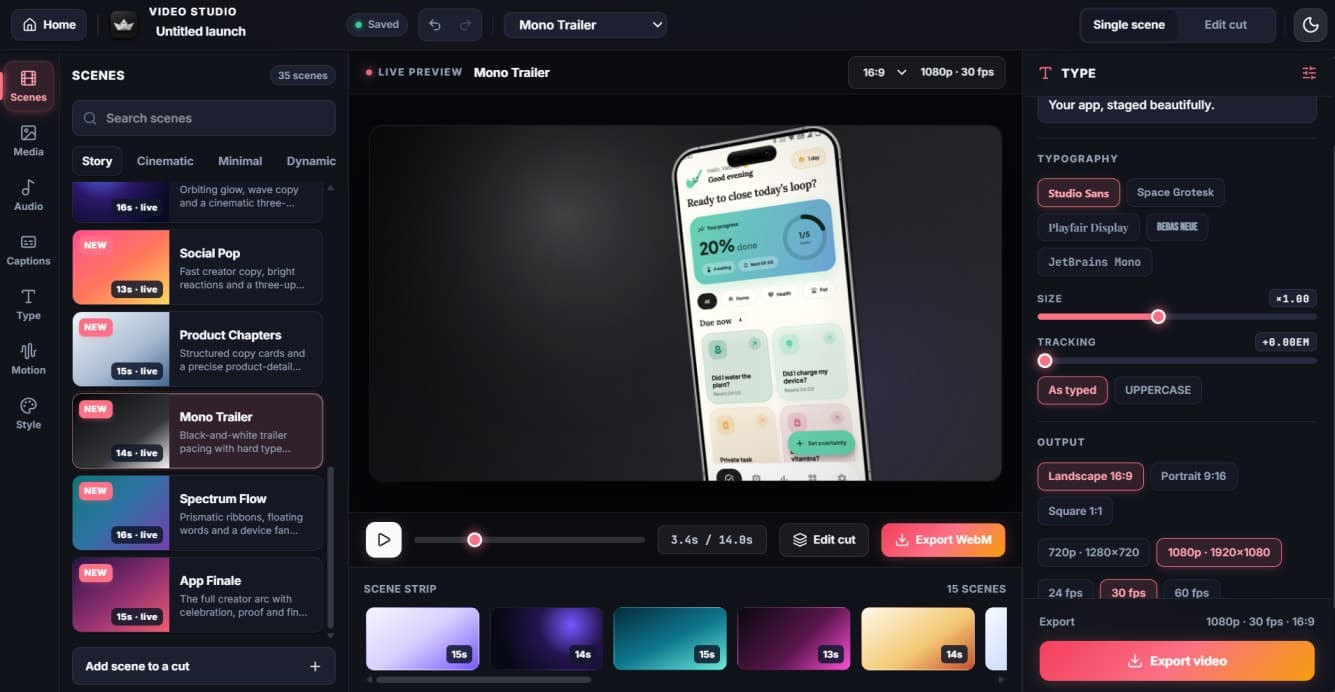
Story templates, scenes, transitions, and an editable timeline.
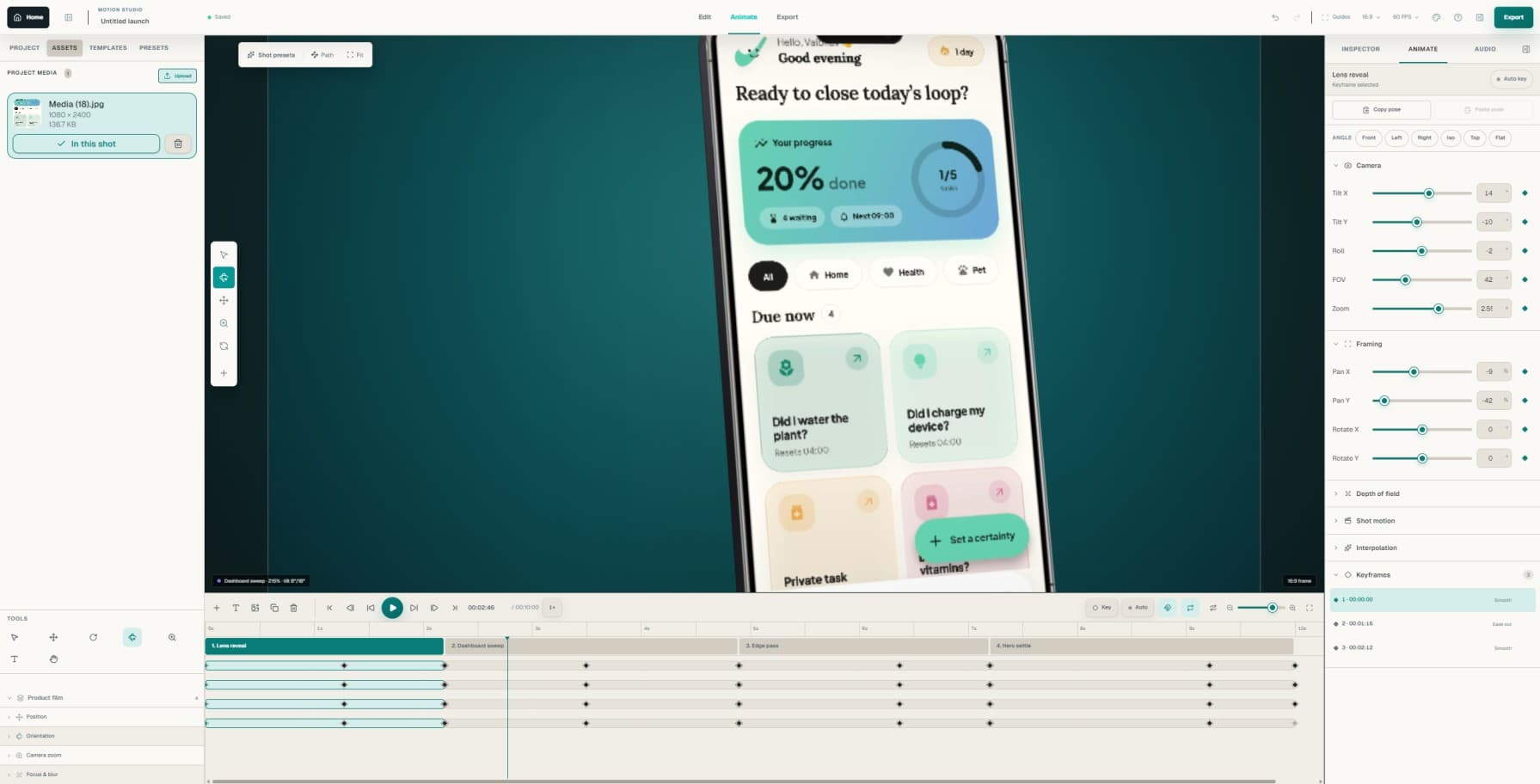
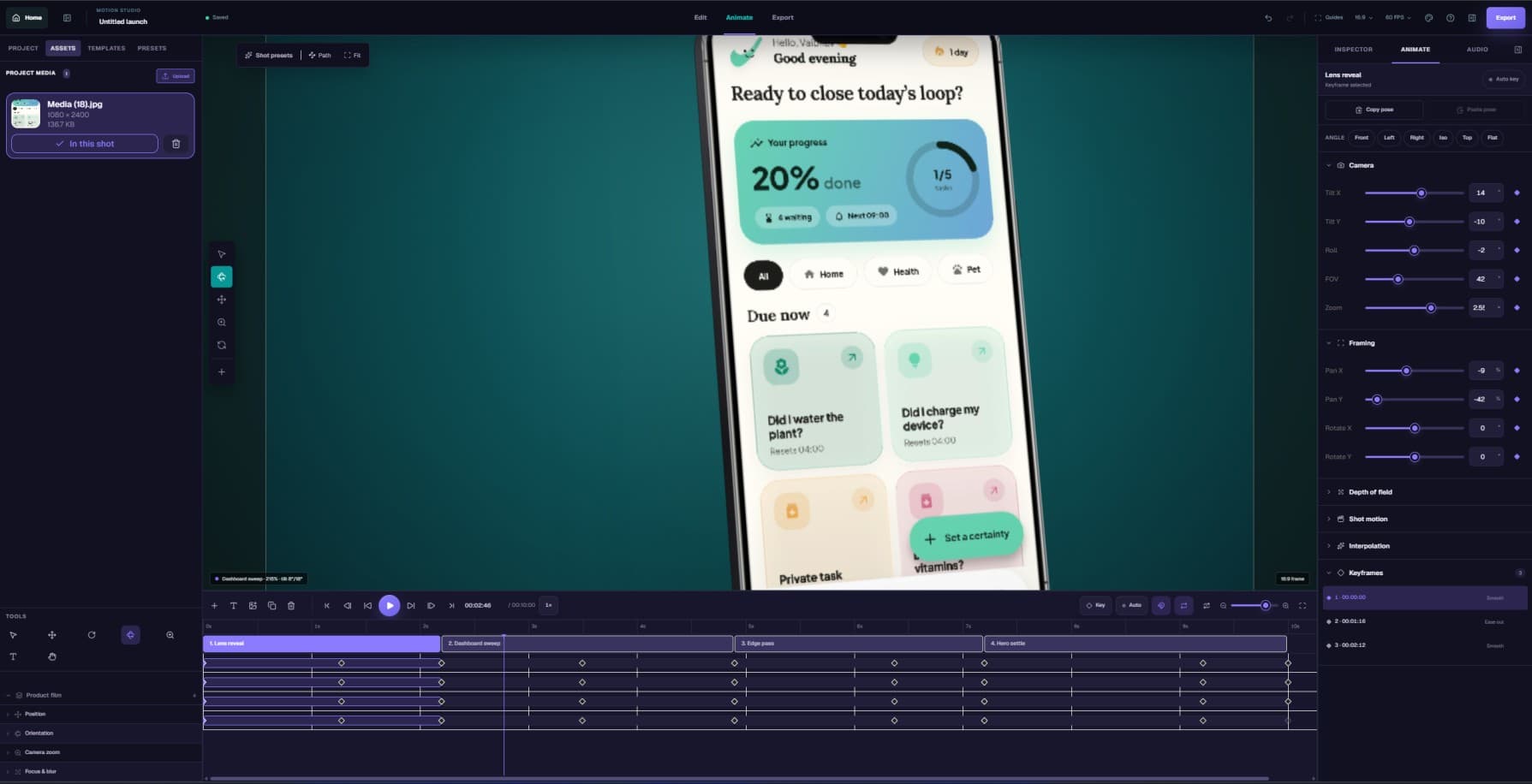
Camera keyframes, grading, score, and sound effects.
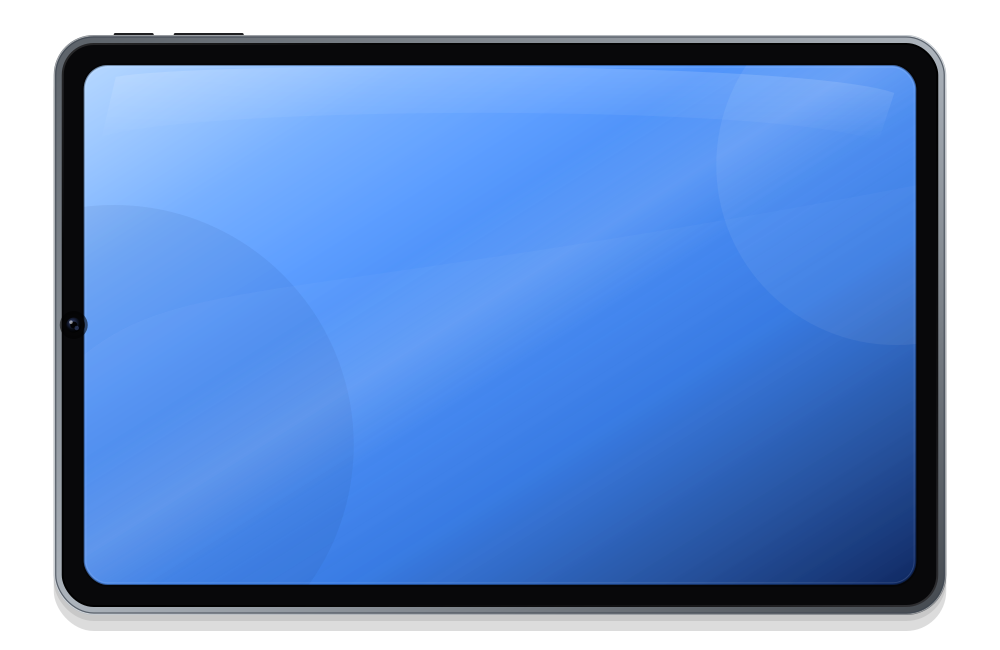
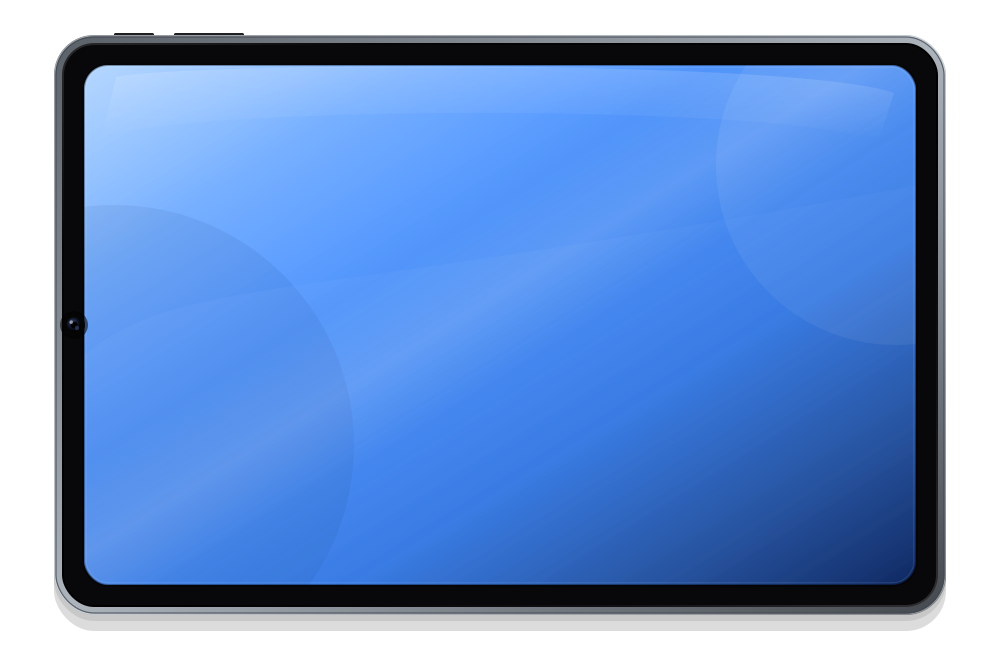
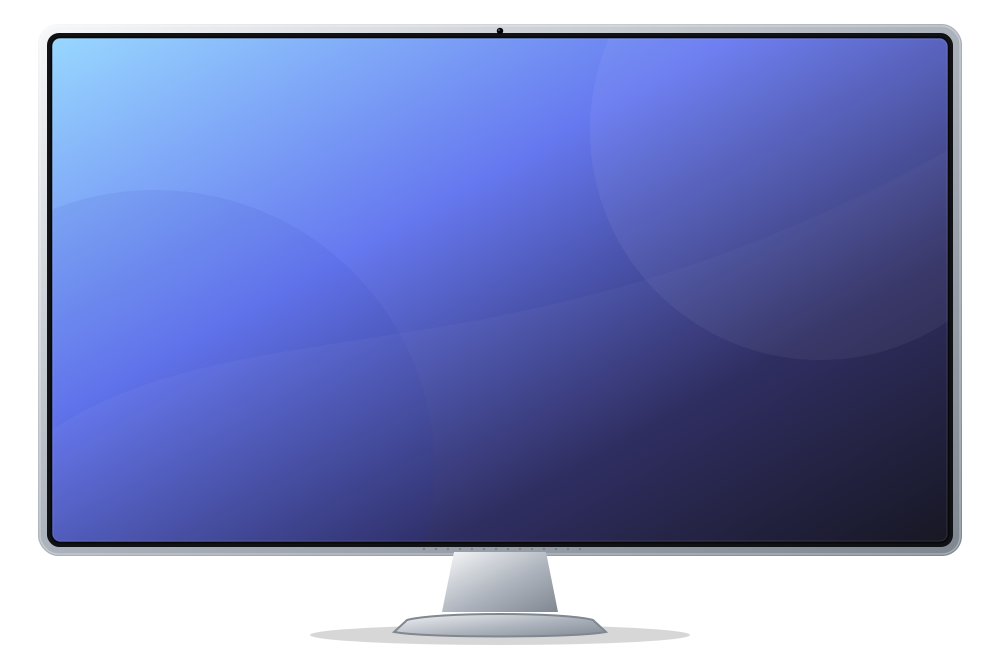
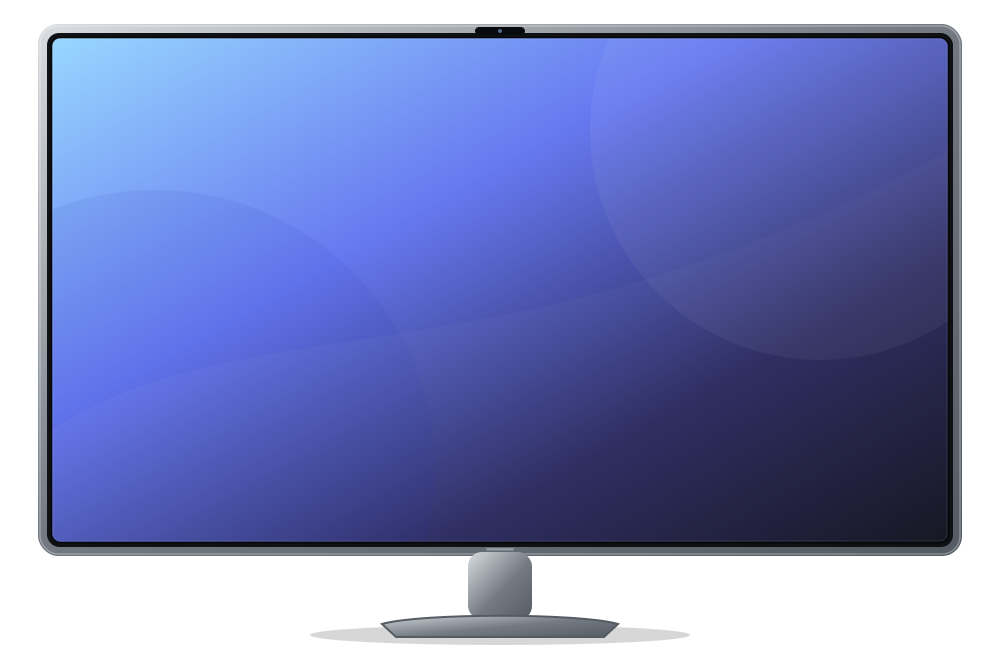
A registry-backed library of phone, tablet, monitor, and laptop frames.
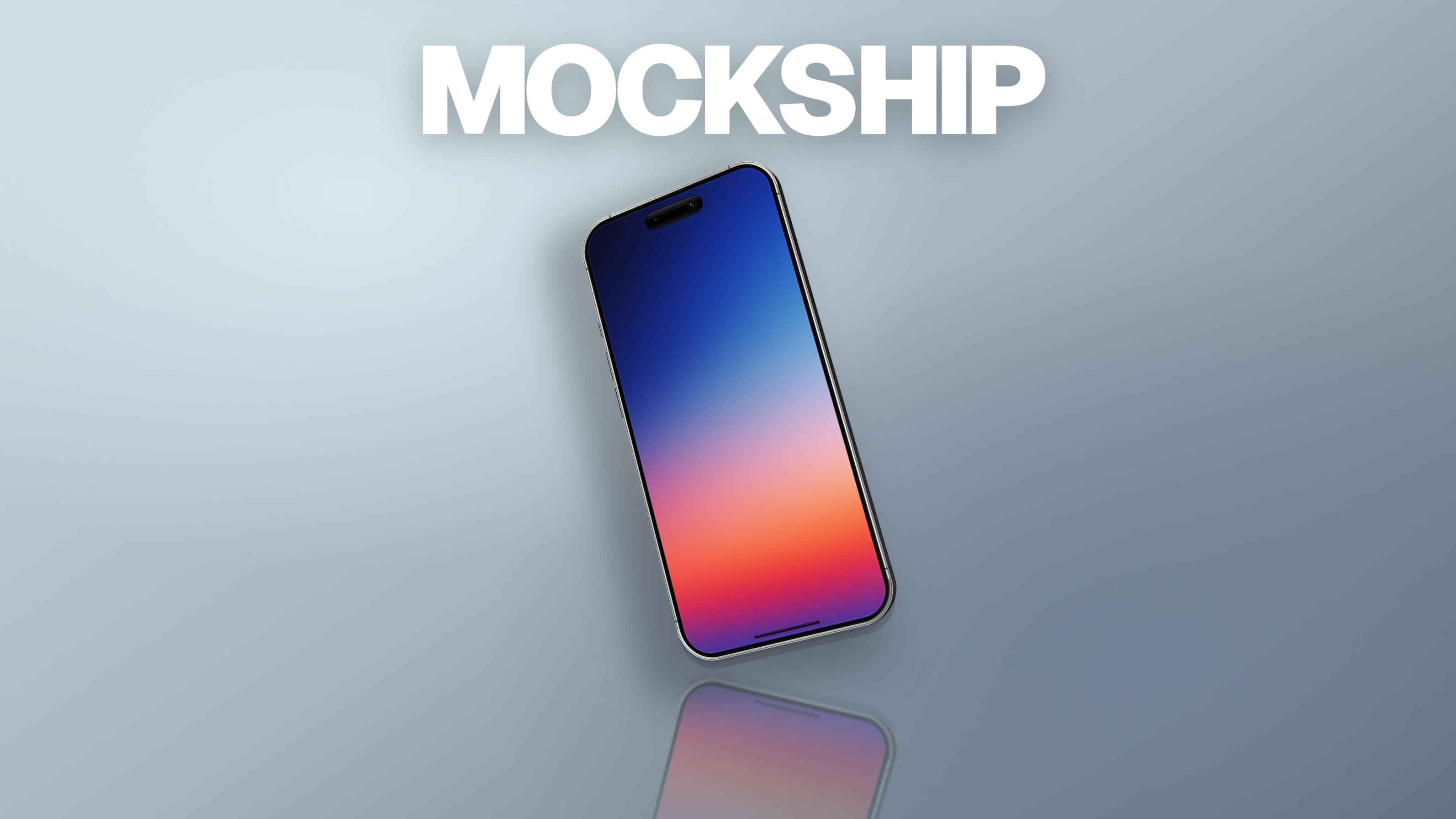
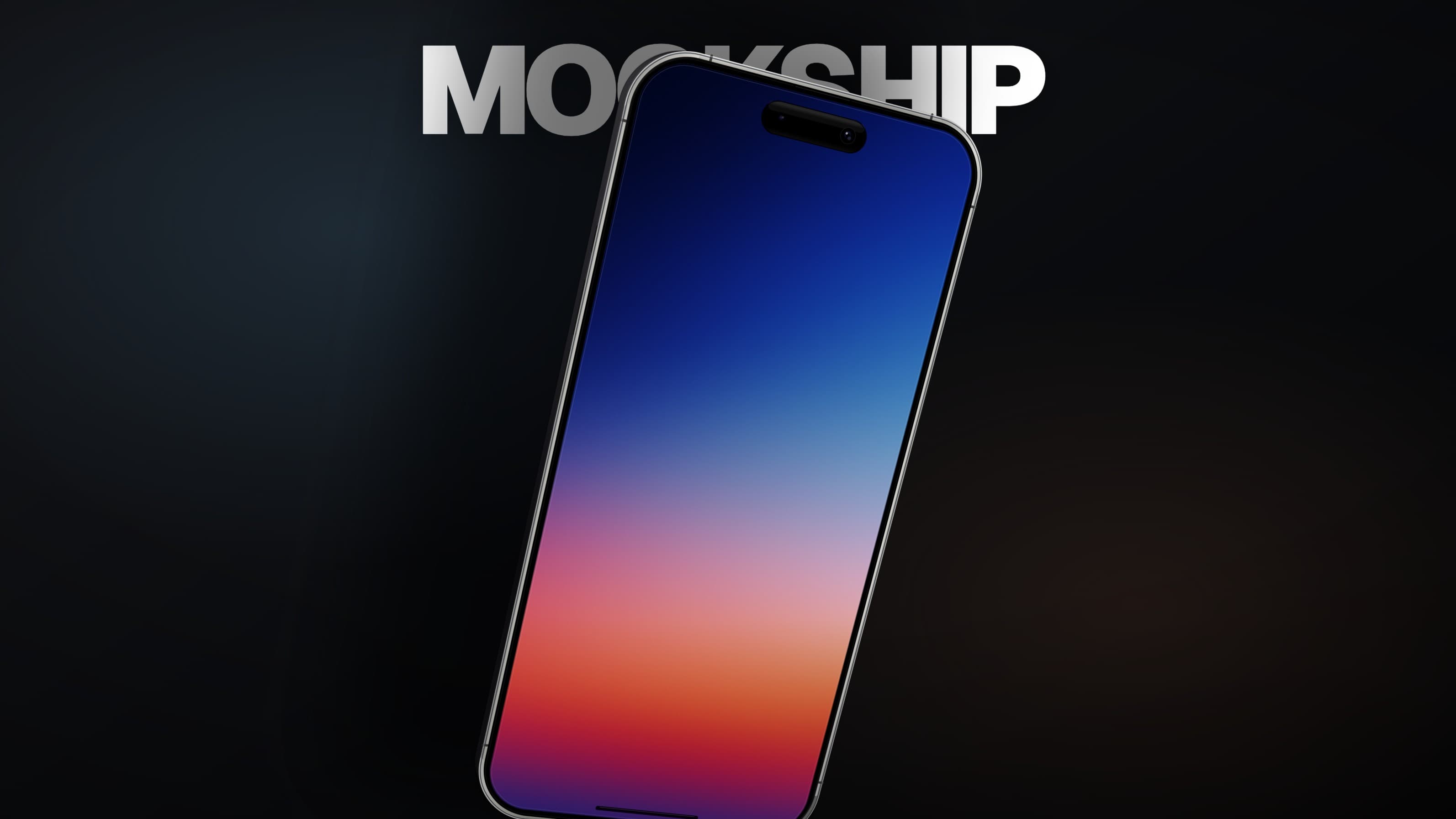
A polished product-film frame ready for campaign use.
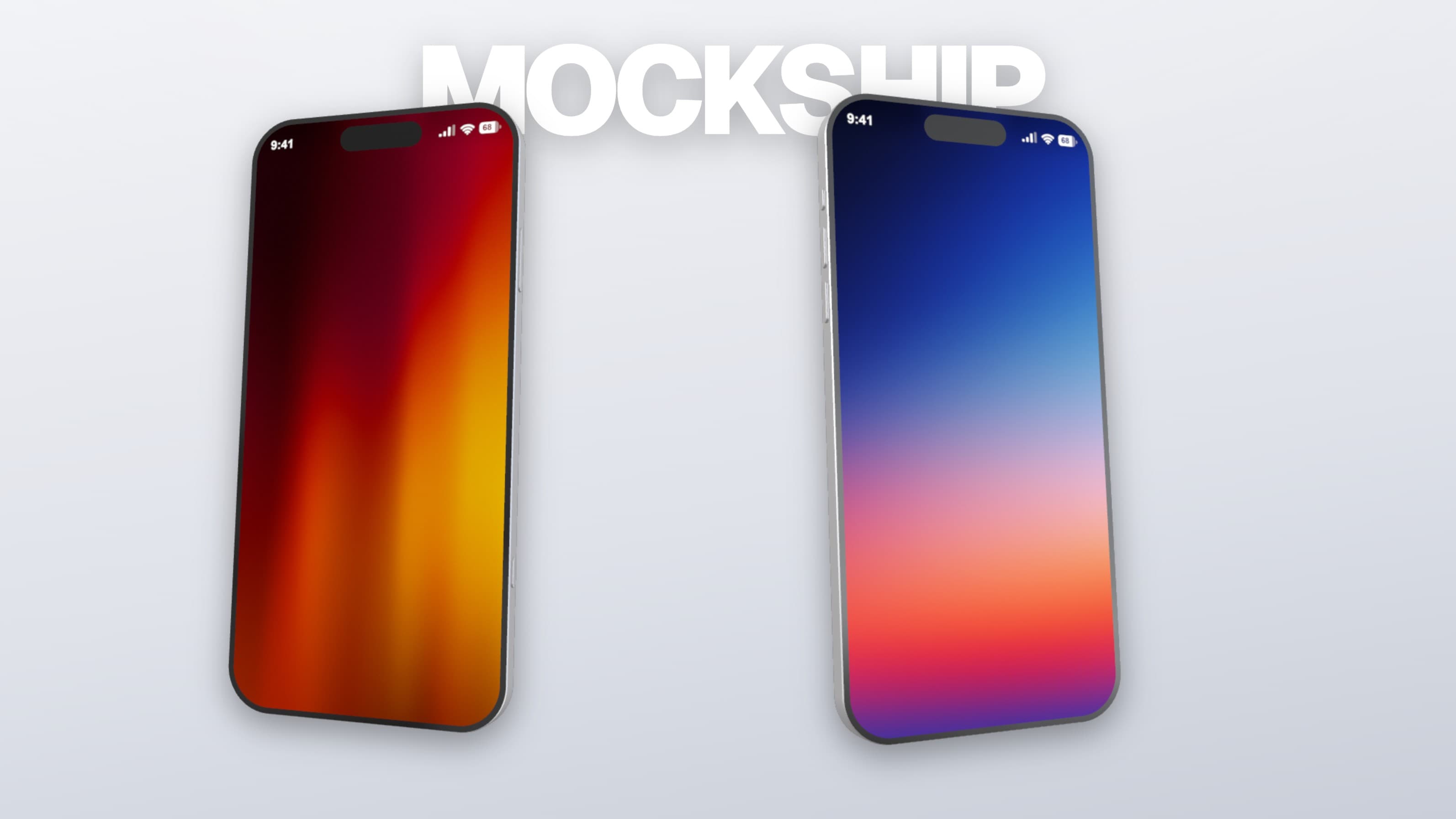
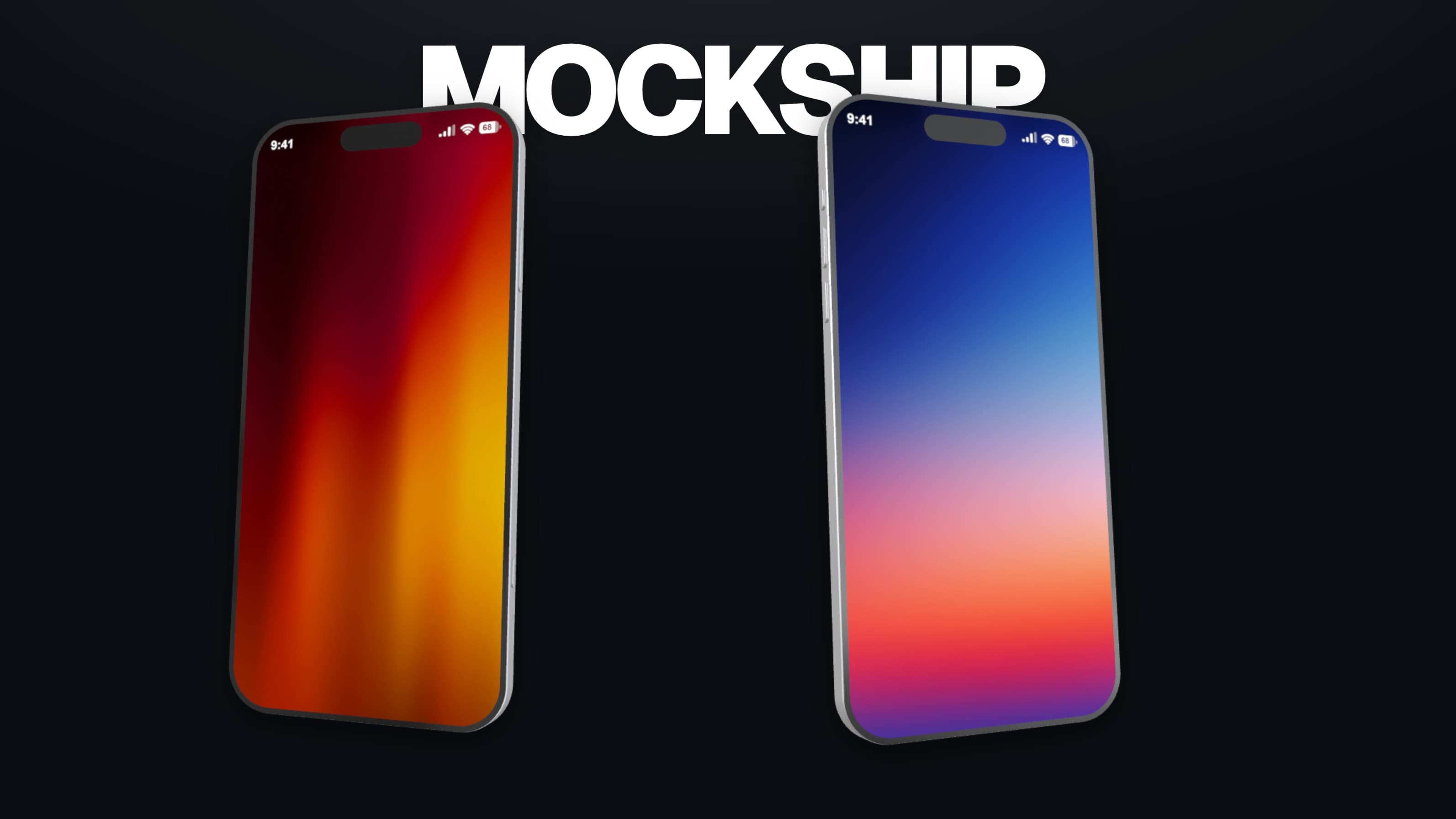
Connected Studio
Carry the same project from a composed still to a finished product film—without rebuilding the work between tools.
Upload media
Add one screenshot or recording to a local Launch System project. It stays in this browser.
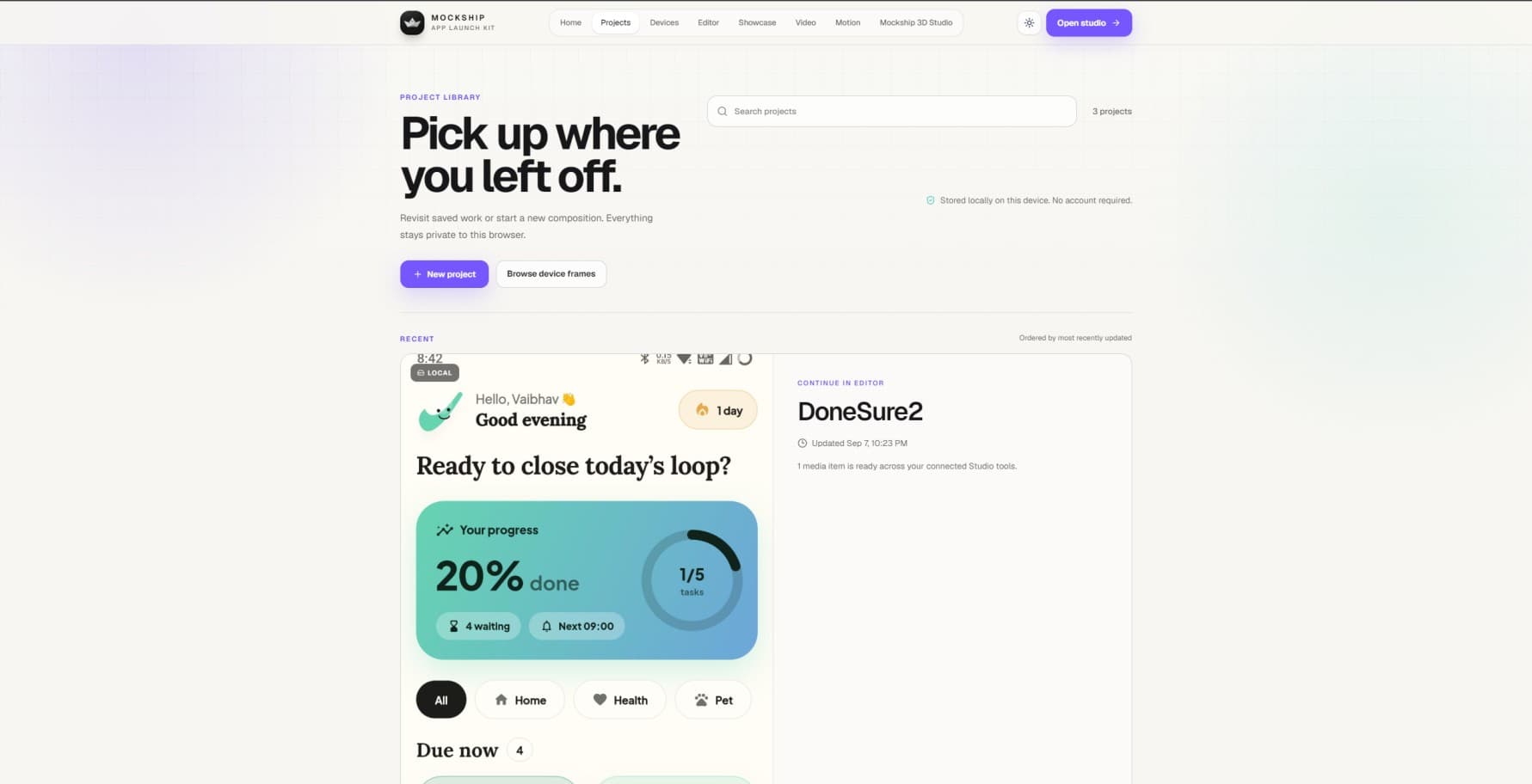
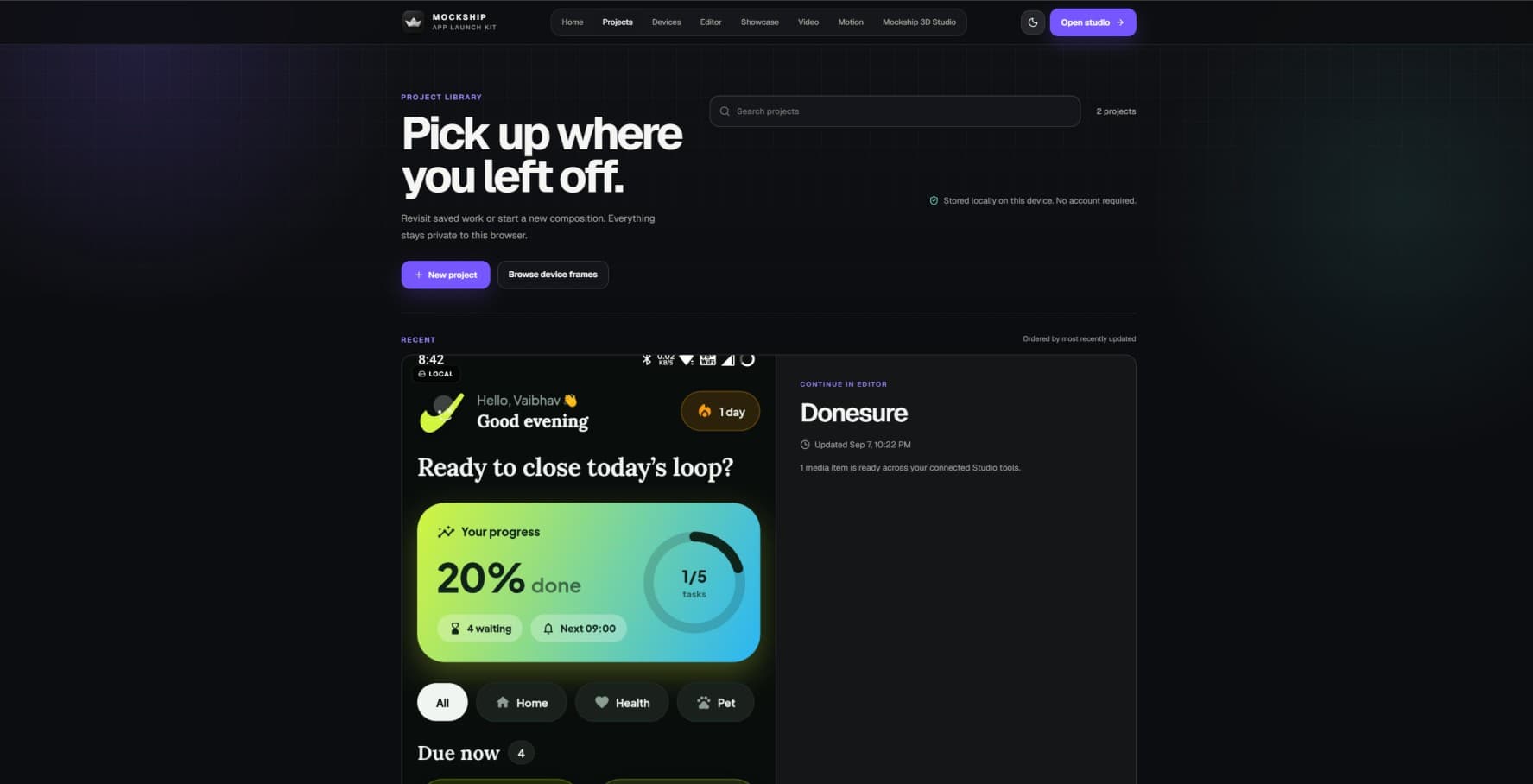
Frame in Editor
Choose a registered device, set the camera angle, and establish the lighting language.
Cut in Video
Arrange scenes, transitions, typography, and timing in a silent MP4 or WebM cut.
Finish in Motion
Refine keyframes and effects, then mix music and SFX for the finished product film.
Build a coordinated set for stores, social, and launch day. Save the strongest frame, then carry it into Editor, Video, or Motion.
Open ShowcasePrivacy First
Zero server uploads. Your unreleased media and projects never leave this device.
Performance
Hardware-accelerated WebGL rendering engine tuned for instant creative feedback.
Export Quality
Pristine presentation-ready PNGs and high-bitrate WebM video exports.
Ecosystem
One project seamlessly orchestrates Editor, Showcase, and Motion timelines.
Frictionless
Start designing locally. Sign in and choose a plan when you are ready to export.
Where it goes next
Product launch
Pair a focused device composition with a film-ready visual language.
Create a mockupApp-store assets
Generate coordinated App Store and Google Play layouts from a single source.
Open Showcase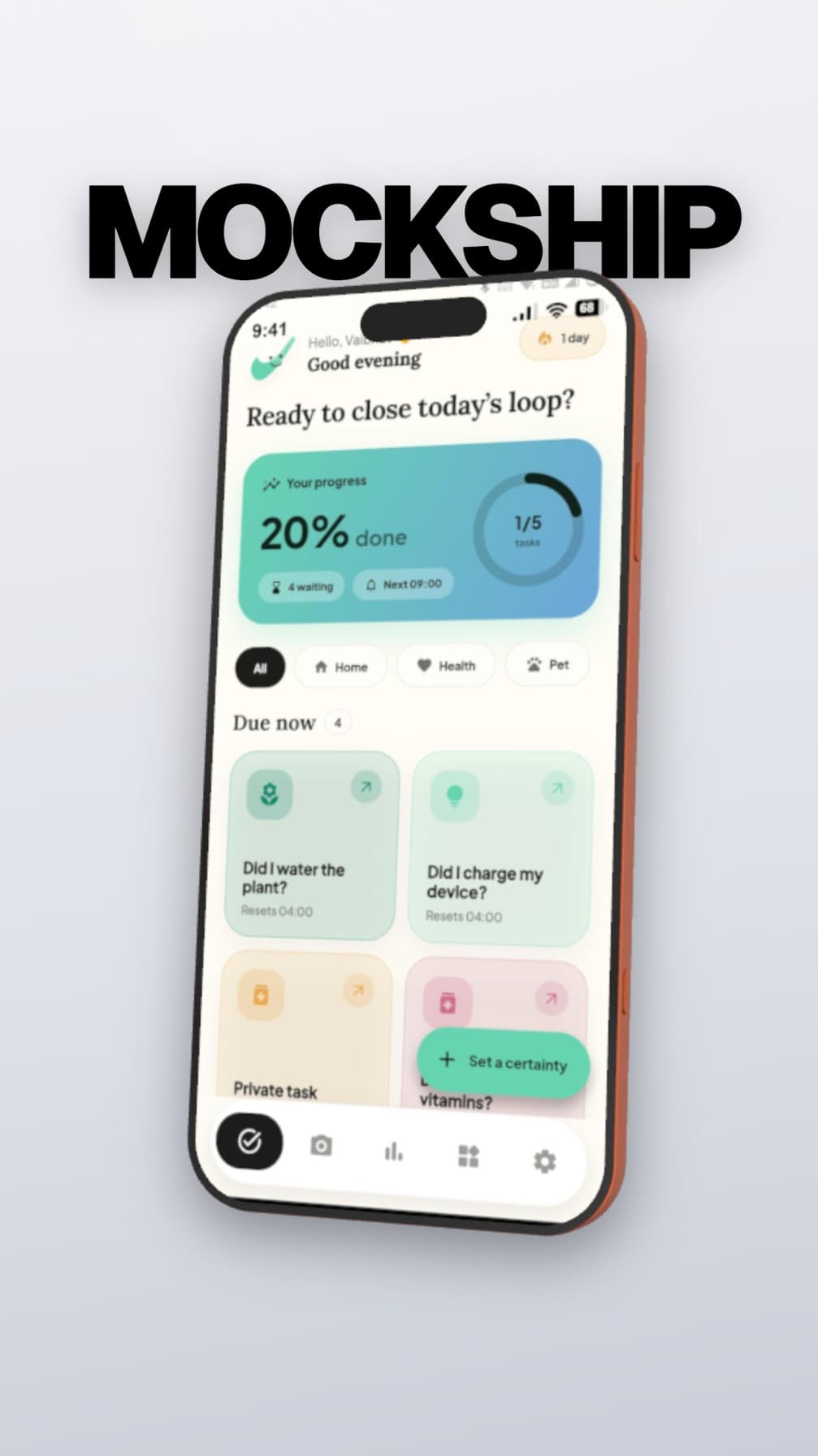
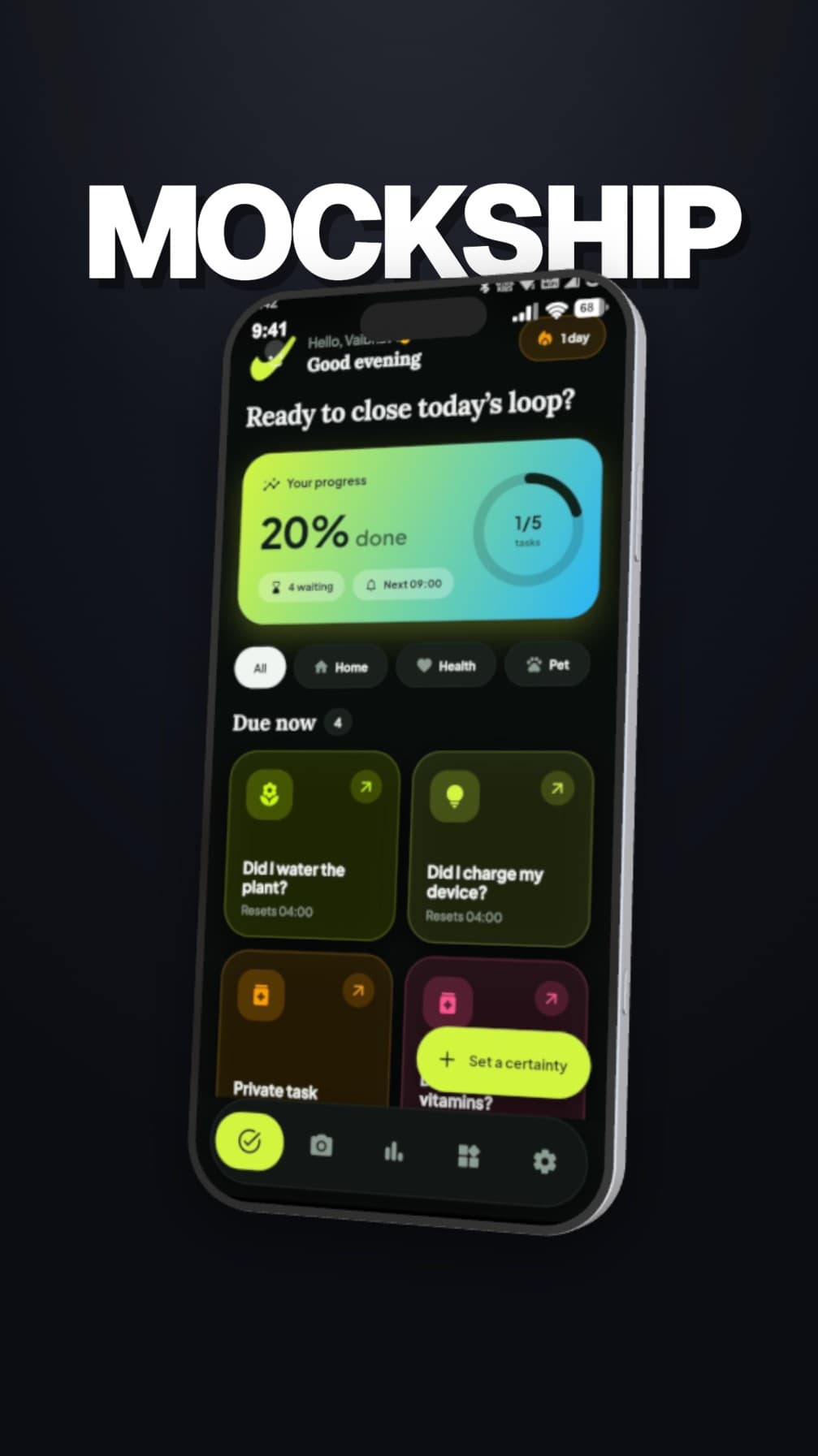
Social campaign
Create widescreen campaign assets without rebuilding the visual treatment.
Build launch assets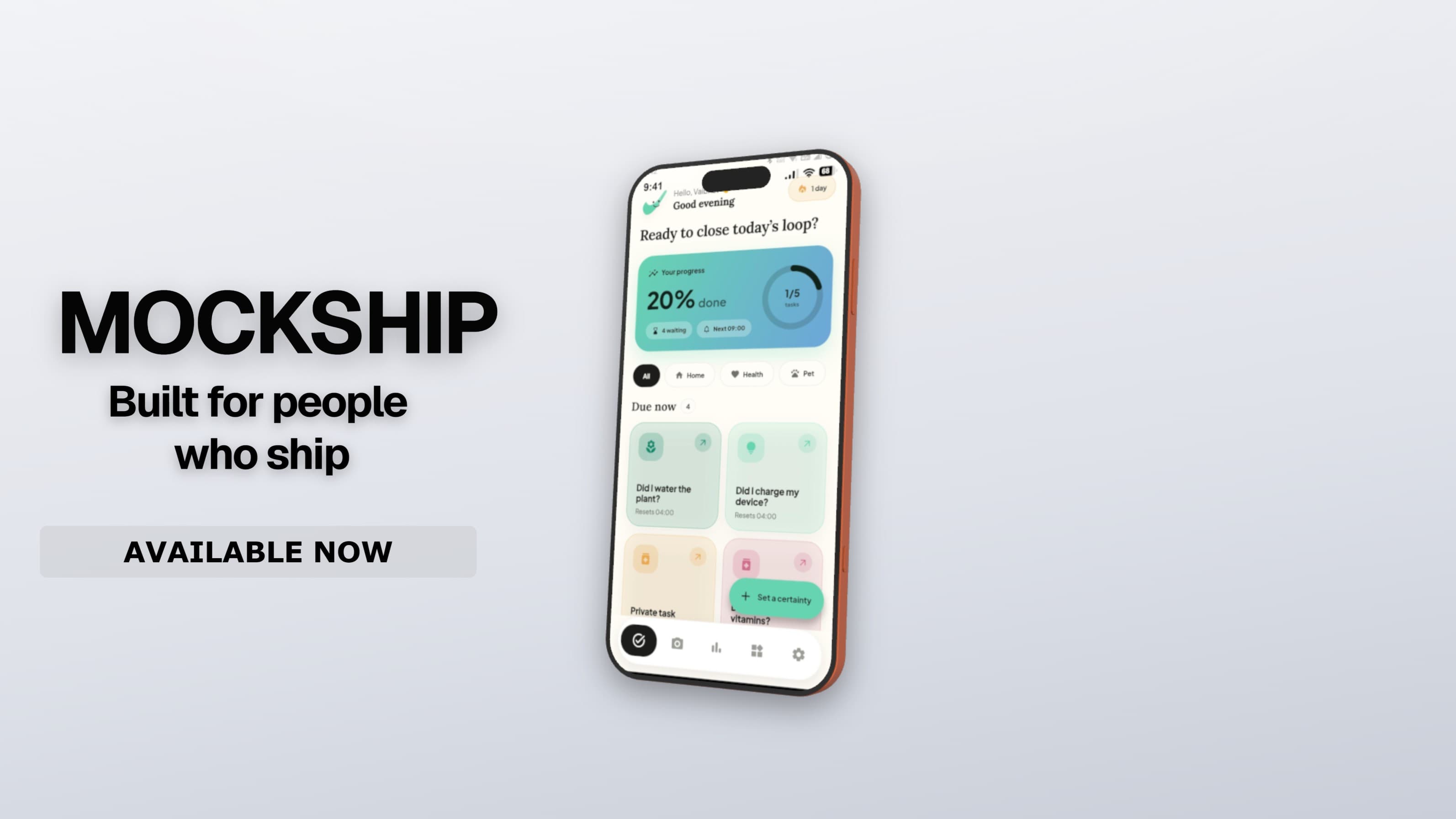
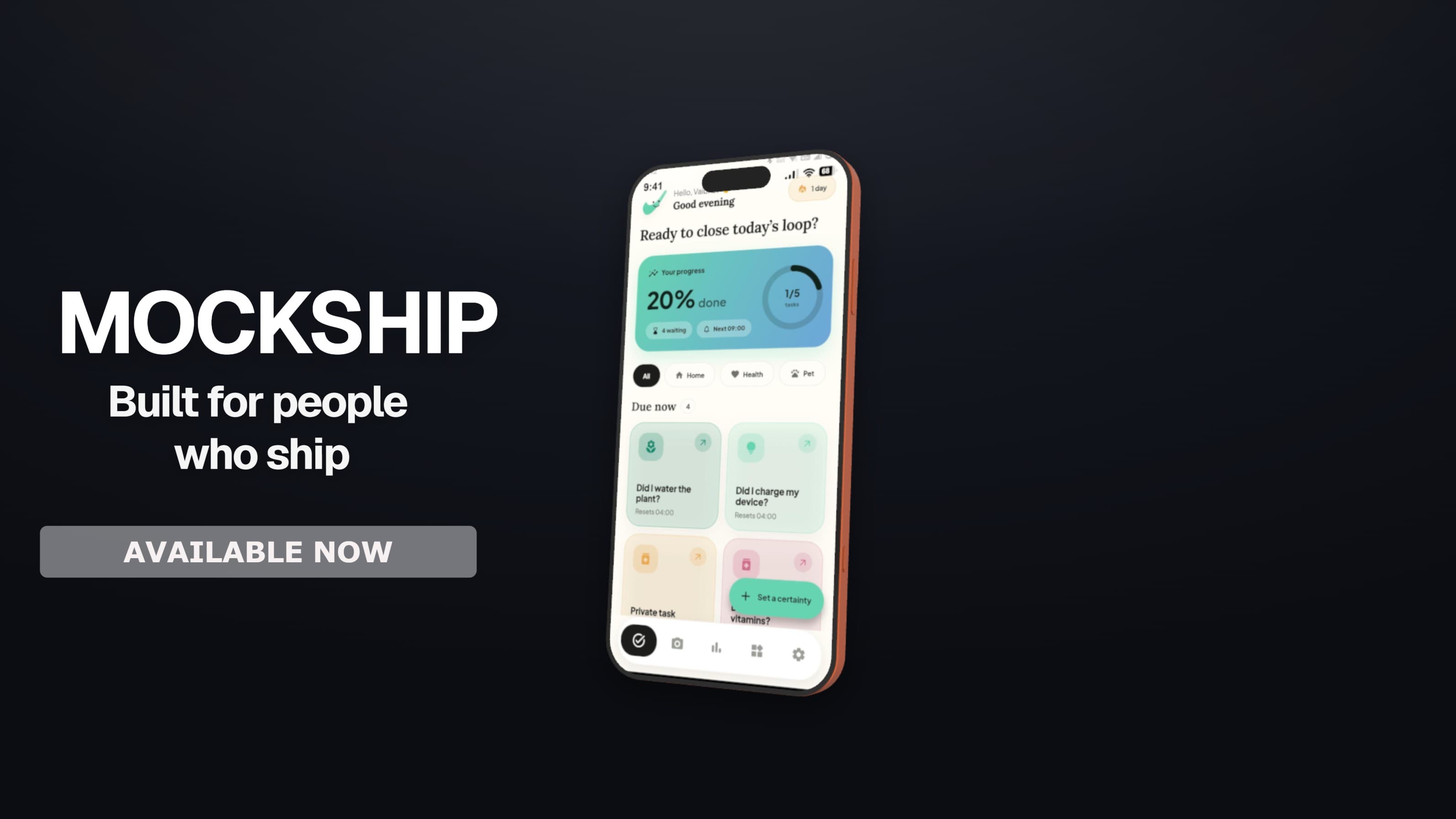
Motion film
Direct a precise product film with camera keyframes, score, and sound effects.
Open MotionCurated device library
A focused selection of phones, tablets, monitors, and laptops—chosen to show the range without turning the landing page into a catalog.
Flagship frames across iOS and Android.
Portrait and landscape canvases for bigger ideas.
Desktop displays for polished product moments.
Open mockups and frame-style laptops for wide product shots.
Begin with one screen. Leave with a visual system that feels considered, consistent, and ready to ship.